
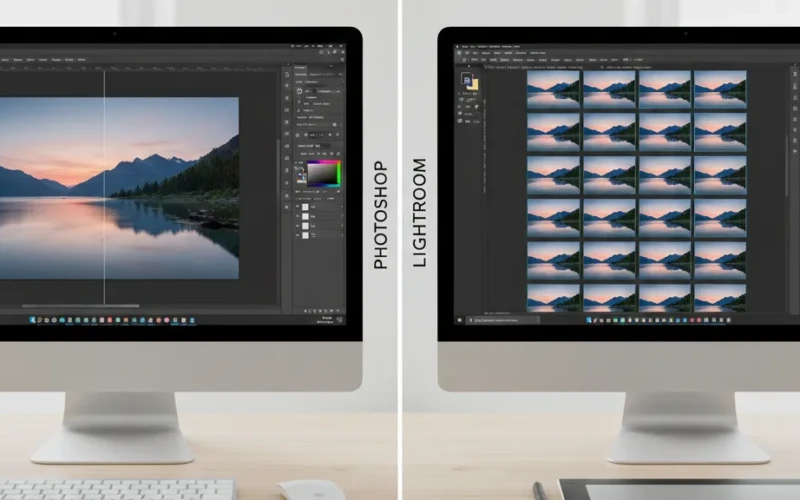
Making Colors Look Better with Photoshop and Lightroom
Color correction is one of the most important steps in photo editing. It can make a flat, dull image look colorful and professional. But if you’re new to editing or even if you’ve been editing for a while you might wonder should you use Photoshop or Lightroom? Both are impressive, but they work differently. Let’s break it down so you can choose the right tool for your photos.
Photoshop gives you full control over every little detail, letting you change some colors, lighting adjustments, and effects exactly how you want. Lightroom, on the other hand, is super easy for editing lots of photos at once and keeping everything organized. Depending on your goals, your workflow, and how much time you want to spend, one might be better for you than the other. Let’s break it down so you can pick the right tool for your photos and start making them look amazing.
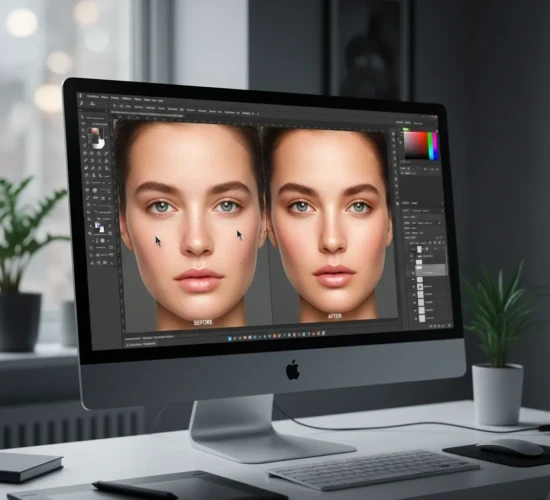
Precision and Full Control
Photoshop is the perfect tool if you want to control every tiny detail in your photo. You can target specific areas, adjust colors selectively, and layer multiple edits to create exactly the look you want. It’s great for detailed color work, retouching, and creative edits. You can fix small flaws, brighten just the right parts, or add effects that make your photos stand out. It’s also great if you want to get creative like play with shadows, highlights, or even completely change the mood of your image. Basically, if you love tweaking every little thing until it looks just right, Photoshop gives you all the tools to do it.
Why Use Photoshop for Color Correction
- It allows you to change colors in specific parts of your image using masks or selections.
- Each adjustment can be done on a separate layer, making it easy to modify without affecting the rest of the photo.
- Beyond simple color adjustments, you can create custom effects, blend colors, or completely change the mood of an image.
Things to Keep in Mind
- Photoshop takes more time and skill to learn.
- It’s not ideal if you have hundreds of photos to edit quickly.
Best for professional photographers, designers, or anyone who needs accurate, high-level control over color.
Fast and Consistent
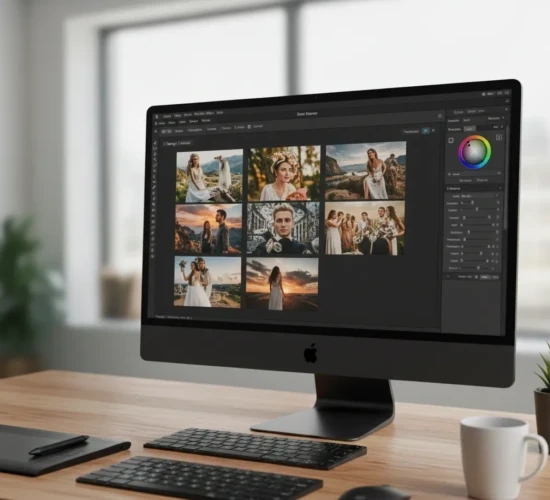
If you want quick and consistent color fixes especially when you’re editing a lot of photos, Lightroom is your best bet. It keeps things simple and helps your shots all match without a ton of extra work. Instead of diving into tiny, detailed edits, Lightroom focuses on shaping the overall look of your photos so everything feels clean, smooth, and put together. Another nice thing? It keeps everything organized. You can sort and group your photos in one place, and if you find a style you like, you can save it and use it again with one click. It also lets you do creative manipulation to give your photos a unique look. So if you want fast edits, a consistent look, and a stress-free workflow, Lightroom is your best pick. It just makes the whole editing process easier.
Why Use Lightroom for Color Correction
- Apply the same color settings to multiple photos in seconds.
- Adjust exposure, contrast, highlights, shadows, saturation, and more with simple controls.
- Great for creating a uniform look across a set of photos, like a wedding album, social media feed, or product catalog.
Things to Keep in Mind:
- You can’t do super detailed edits like in Photoshop.
- It’s best for general color corrections, not heavy retouching.
- Perfect for photographers who need to edit large batches of images quickly while keeping a consistent look.
Which One Works Better for You?
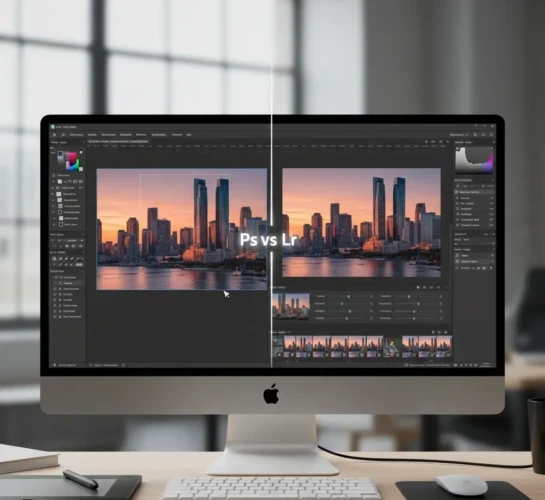
When you compare the two, Photoshop gives you super accurate control, but it takes more time to learn and isn’t great for fixing a whole batch of photos at once. Lightroom is kind of the opposite, it’s built for speed and consistency, making it perfect when you’re working with tons of pictures. Photoshop is better for detailed, creative edits where you need full control, while Lightroom keeps things simple with quick adjustments and an easy workflow.
So, it really depends on what you’re trying to do. If you love spending time perfecting every little detail or want to create something really unique, Photoshop is your best friend. But if you need to edit a bunch of photos fast and keep them all looking the same, Lightroom will save you a lot of time and hassle. And honestly, most photographers end up using both. That way, you get the best of both worlds.
Which One Should You Pick?
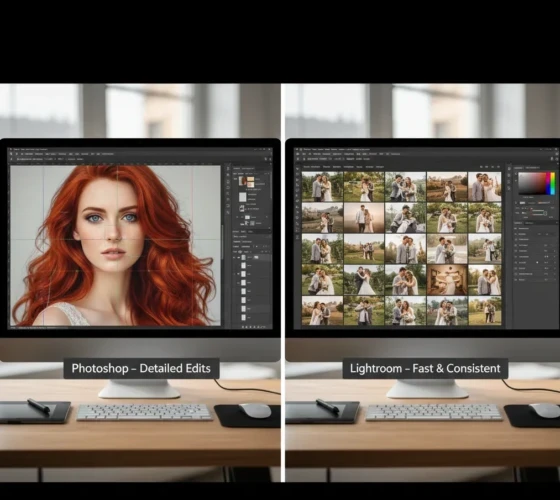
Go with Photoshop when you want full control over every little detail. It’s great for close-up edits, fixing small flaws, or creating something really professional. If you’re working on one important photo and you want it to look perfect, Photoshop is the best tool to use.
Pick Lightroom when you’re dealing with a lot of photos and want them all to look clean and consistent. It’s fast, organized, and makes it super easy to give all your shots the same style or vibe. Perfect for weddings, events, travel photos and anything with lots of images. You can quickly adjust lighting, colors, and sharpness for many photos at once, which saves a lot of time.
Easy Tips for Better Color Correction
- Start with white balance make sure your whites look natural.
- Adjust exposure and contrast to make your subject pop.
- Use shadows and highlights to add depth.
- Add a little color or saturation carefully but don’t overdo it.
- Keep your edits consistent if you’re working with multiple photos.
Try adjusting your colors with these tips. If you want, send me a photo and I’ll show you how to do it.
Conclusion
Both Photoshop and Lightroom can make your photos look way better, it just depends on what you need. If you want full control and love getting into the tiny details, Photoshop is your best friend. But if you want fast edits, a clean workflow, and a consistent style across tons of photos, Lightroom will make your life so much easier. You don’t even have to choose just one. A lot of people use Lightroom for the big batch edits and then jump into Photoshop for those final touches. No matter which one you go with, knowing how each tool works helps you get the most out of your photos and create images you’re proud of.
Read Next: Editing Pictures in Photoshop Made Easy: Tools You Should Know