
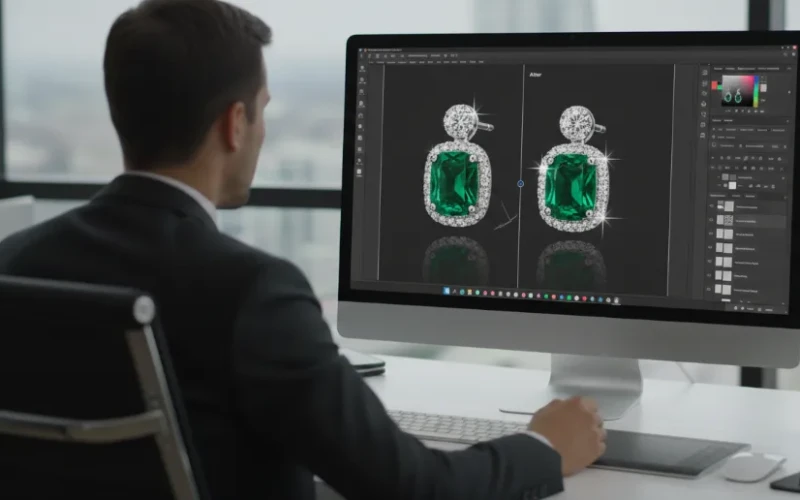
Why Jewelry Business Need Photoshop Editing for Jewelry Photos
Jewelry photos need to do more than just show a product they need to sparkle, shine, and catch attention instantly. When customers shop online, they can’t touch or try on jewelry, so photos play a huge role in their buying decision. Even the most beautiful ring or necklace can look dull if the lighting is off or small flaws are visible. That’s why many jewelry businesses rely on Photoshop editing to bring out the true beauty of their pieces. A well-edited photo helps show fine details, rich colors, and a clean finish. It’s often the difference between someone scrolling past or stopping to take a closer look.
Photoshop editing helps jewelry photos look polished, professional, and ready to sell. It can fix lighting issues, remove dust or scratches, and improves the shine of metals and gemstones. This makes each piece look more attractive while still keeping it realistic. Consistent editing also helps create a strong brand look, which builds trust with customers. When all product images follow the same style, your store feels more reliable and high-end. For jewelry businesses, great editing isn’t just a bonus it’s a must for standing out in a crowded market.
How Photoshop Editing Improves Quality
Photoshop editing plays a big role in making jewelry photos look clean, sharp, and eye-catching. Jewelry pieces often have tiny details, reflections, and gemstones that don’t always look perfect straight out of the camera. With professional editing, colors become richer, metal surfaces look smoother, and stones sparkle more clearly. Editors can remove unwanted reflections that distract from the design. Even simple adjustments like improving brightness or contrast can make jewelry look more luxurious and high-end. The result is a polished image that truly shows the beauty of the piece.
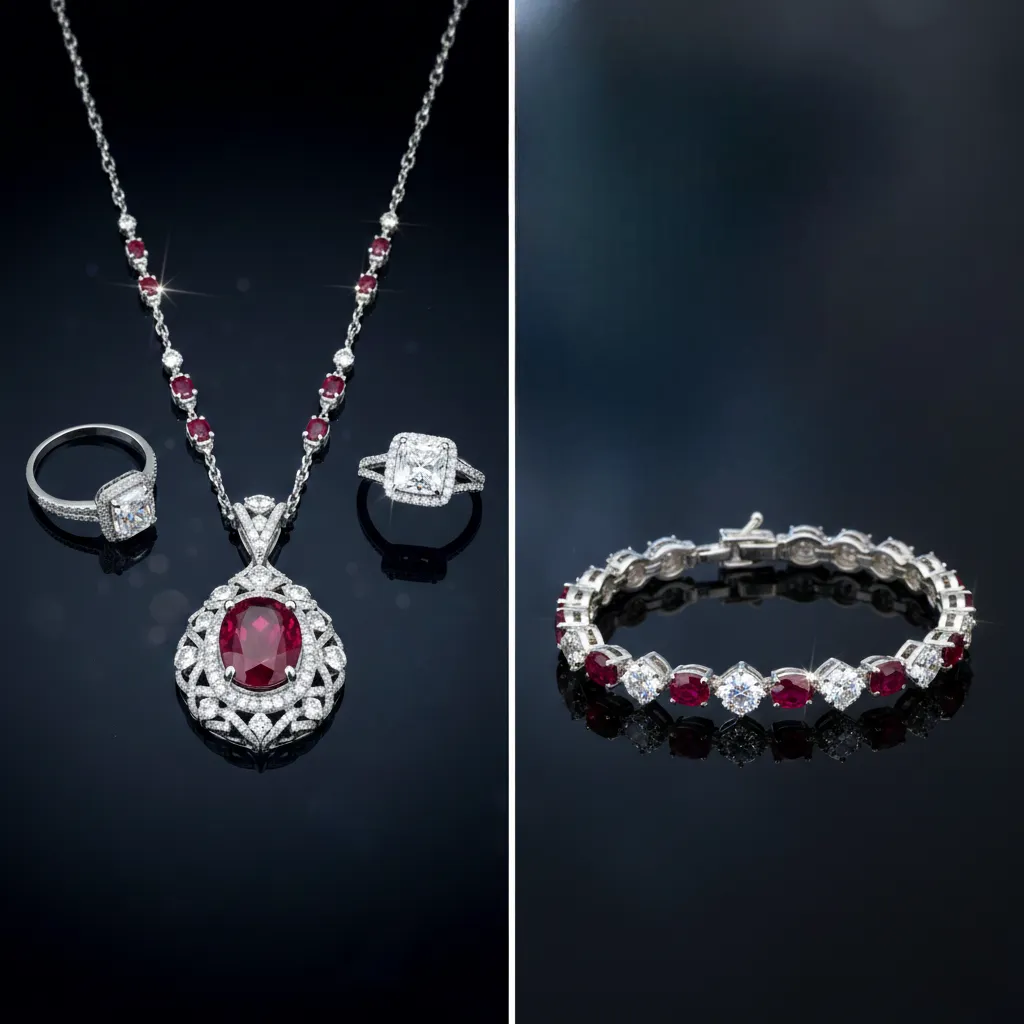
Photoshop editing also helps keep your jewelry photos consistent across your store or catalog. When all images have the same lighting, background, and color tone, your brand looks more professional and trustworthy. This consistency makes it easier for customers to compare products and feel confident in their purchase. To get the best results from jewelry photo editing, keep these tips in mind:
- Use high-quality original photos.
- Remove distractions like dust, fingerprints, or harsh reflections.
- Highlight sparkle carefully to keep gemstones looking realistic.
- Maintain color accuracy so metals and stones match the real product.
- Keep backgrounds clean and simple to highlight the jewelry.
Why Photoshop Editing Matters for Jewelry
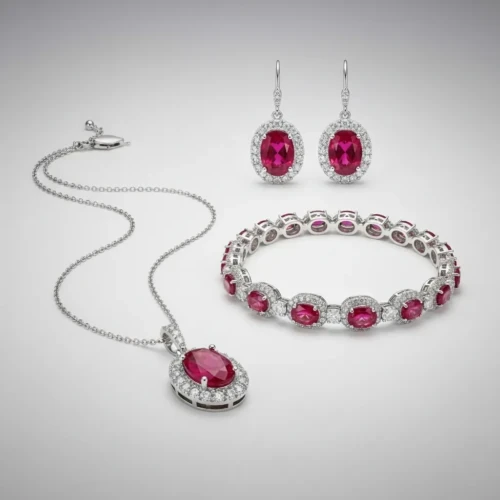
Jewelry photos need to look flawless because customers notice every small detail. Photoshop editing helps fix these issues by cleaning up imperfections, improving shine, and bringing out the true beauty of metals and gemstones. It allows jewelry to look bright, sharp, and well-balanced without changing how the product actually looks. Editing also guarantees that every photo clearly showcases the unique features of each piece. Jewelry often has tiny details, textures, and layers that are hard to capture perfectly in one shot. Photoshop helps make those elements visible, so customers can understand the design, craftsmanship, and quality at a glance. Clear, detailed images also reduce misunderstandings or returns, because buyers know exactly what to expect.
To get better results from Photoshop editing, keep these tips in mind:
- Emphasize textures and depth so stones and metals are easy to see
- Adjust contrast and shadows to highlight shapes without overdoing it
- Refine edges carefully so chains, clasps, and prongs are clear
- Choose a neutral background to let the jewelry stand out
- Focus on realism so the product looks true to life
What Makes a Jewelry Photo Stand Out
A jewelry photo stands out when it gathers attention while clearly showing the details of the piece. Lighting, angles, and focus all play a big role in making gemstones sparkle and metal surfaces look defined. Even small design elements, like intricate engravings or the way a chain drapes, can make a difference if they’re visible in the photo. Backgrounds and composition also matter a simple, uncluttered setting keeps the viewer’s focus on the jewelry. The goal is to make the image interesting enough to catch a shopper’s eye while still giving an accurate representation of the product.
To make your jewelry photos more appealing, here are some practical tips:
- Use multiple angles to show different aspects of the piece.
- Highlight textures so stones, metals, and finishes are easy to see.
- Keep backgrounds simple so nothing distracts from the jewelry.
- Experiment with lighting to bring out colors and depth naturally.
- Show scale clearly by including a subtle reference, like a hand or stand.
When to Use Photoshop Editing for Jewelry
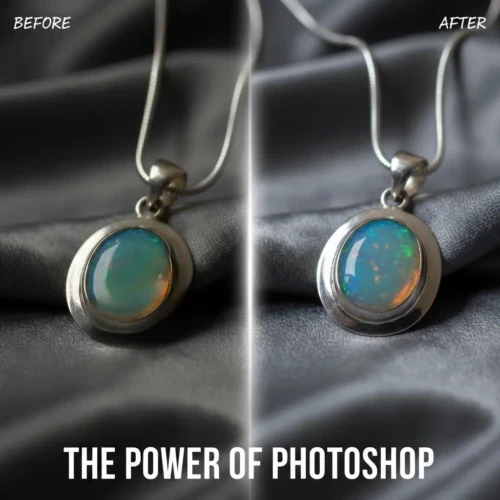
Photoshop editing for jewelry is most useful when your photos don’t fully show the beauty and details of each piece. Jewelry can be tricky to photograph because reflections, shadows, and tiny details often get lost in raw images. Using Photoshop allows you to correct lighting, textures, and make gemstones and metals look more defined. It’s also helpful when you want to prepare photos for online stores, social media, or print catalogs making sure your products always look their best. Even small tweaks, like adjusting brightness or sharpening fine lines, can make a noticeable difference in how the jewelry appears to customers.
There are also certain situations where editing is especially valuable. For example, if you’re working with older photos, low-resolution images, or photos taken in less-than-ideal lighting, Photoshop can bring them up to professional standards. It’s also helpful when you need multiple images to match in style for a cohesive product catalog or website.
Who Can Benefit from Perfect Jewelry Images
Online stores benefit the most, because customers rely entirely on images to decide either to buy. High-quality photos help products stand out, show true details, and make shoppers feel confident in their purchase. Jewelry designers and marketers also gain an edge by presenting their pieces in the best light, which can attract more attention and boost brand credibility. Even social media creators or bloggers benefit, since striking visuals increase engagement and shares.
Besides businesses, photographers and content creators also see major advantages. Clear, detailed images reduce the need for multiple reshoots, saving time and effort. Professionals can use these images for catalogs, ads, or portfolios, while still keeping the jewelry looking accurate and appealing. To maximize the value of jewelry images, consider these tips:
- Focus on texture and shape so customers see the craftsmanship.
- Use neutral backgrounds to avoid distractions.
- Keep color true to life so metals and stones match the real product.
- Highlight unique features like engravings, gemstones, or intricate designs.
How Photoshop Editing Can Boost Sales
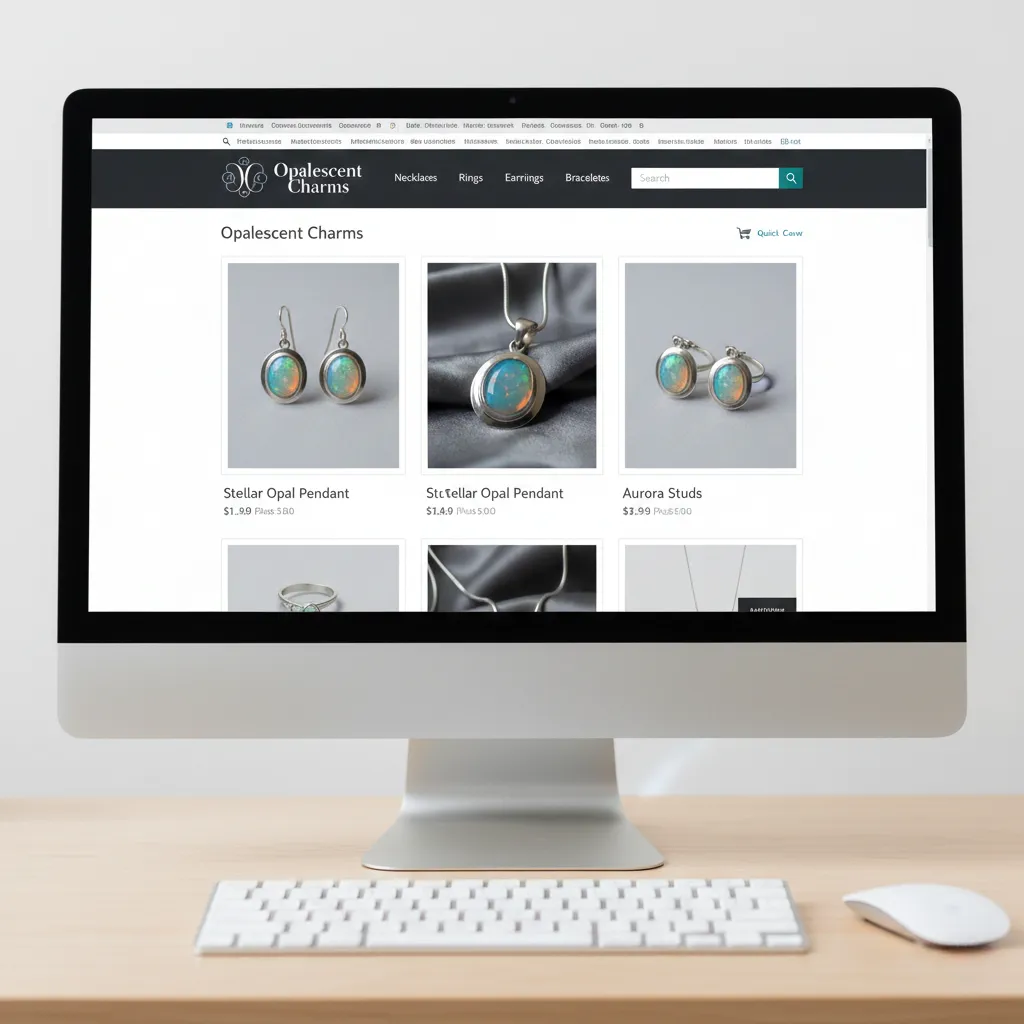
High-quality jewelry photos can have a direct impact on sales because they show customers exactly what they’re getting. When images are clear, detailed, and visually appealing, shoppers are more likely to trust the product and feel confident making a purchase. Photoshop editing helps by improving details, adjusting lighting, and assuring colors are accurate, making each piece look its best. For online stores, where buyers can’t touch the product, great visuals are often the deciding factor between a sale and a pass. Photoshop editing also helps your store look professional and organized, which encourages repeat visits and builds brand credibility. Consistent, high-quality images make it easier for customers to compare products and choose the right one without hesitation.
Common Mistakes Jewelry Businesses Make with Photos
Even the best jewelry pieces can lose their appeal if the photos don’t show them properly. One common mistake is poor lighting photos that are too dark, too bright, or have harsh reflections can hide important details. Another is cluttered or distracting backgrounds that take attention away from the jewelry. Some businesses also rely on low-resolution images, which look pixelated and unprofessional online. Over-editing is another pitfall; too much retouching can make jewelry look fake or different from the real product. Finally, inconsistent photo styles across products can make a store look messy or untrustworthy. Ready to make your jewelry photos truly shine? Get professional Photoshop editing for your products today and watch your sales grow!
Avoiding these mistakes can help your jewelry stand out and make sales easier. Here are some practical tips for better results:
- Use proper lighting to show the jewelry clearly without harsh reflections.
- Choose clean, simple backgrounds that keep the focus on the product.
- Always use high-resolution images for sharp, detailed photos.
- Keep a consistent style across all product images for a professional look.
Conclusion
Great jewelry deserves great photos, and Photoshop editing can make all the difference in showing off every sparkle, detail, and color perfectly. When your images look consistent, customers feel more confident and are more likely to buy. Avoiding common mistakes like poor lighting, cluttered backgrounds, or low-resolution images guarantees your jewelry always looks its best. Have you ever tried editing your jewelry photos or noticed a big difference after improvements? Drop a comment below and share your experience or your favorite tip for making pieces shine!
Read Next: Editing Pictures in Photoshop Made Easy: Tools You Should Know