
What Is Bulk Photo Editing and Who Actually Needs It?
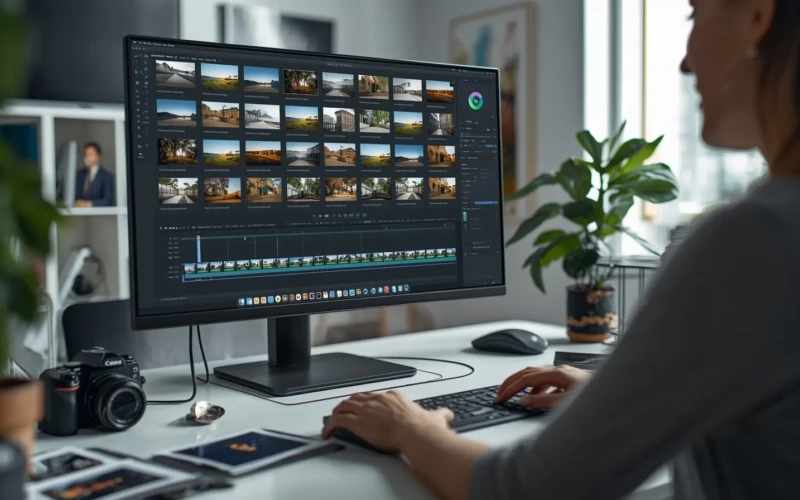
Bulk photo editing is a game-changer for anyone who works with a large number of images. Instead of editing each photo one by one, this process lets you apply changes to many photos at the same time. It saves a lot of time, reduces repetitive work, and keeps your images consistent in style and quality. From adjusting brightness and color to resizing or cropping, bulk photo editing can handle it all in just a few clicks. If you’re a professional photographer, an online seller, or a social media manager, this tool makes managing photos faster and easier.
But who really needs bulk photo editing? Anyone who deals with hundreds or even thousands of images regularly can benefit. E-commerce businesses, for example, need consistent product photos for their websites. Photographers often have large photo shoots that require similar edits across many images. Even content creators and marketing teams can save hours of work by using this method. In short, if you want efficiency without sacrificing quality, bulk photo editing is the solution that many people and businesses can’t afford to ignore.
What Bulk Photo Editing Really Means
Bulk photo editing is the process of editing many images at the same time instead of one by one. It allows you to apply the same changes, such as brightness, contrast, color balance, or filters, to a group of photos in just a few clicks. This method is especially useful when you have large photo collections, like product photos, event shoots, or social media content. By using bulk photo editing, you can save a lot of time and keep your images consistent in style and quality. It’s not only faster, but it also reduces the risk of mistakes that can happen when editing photos individually.
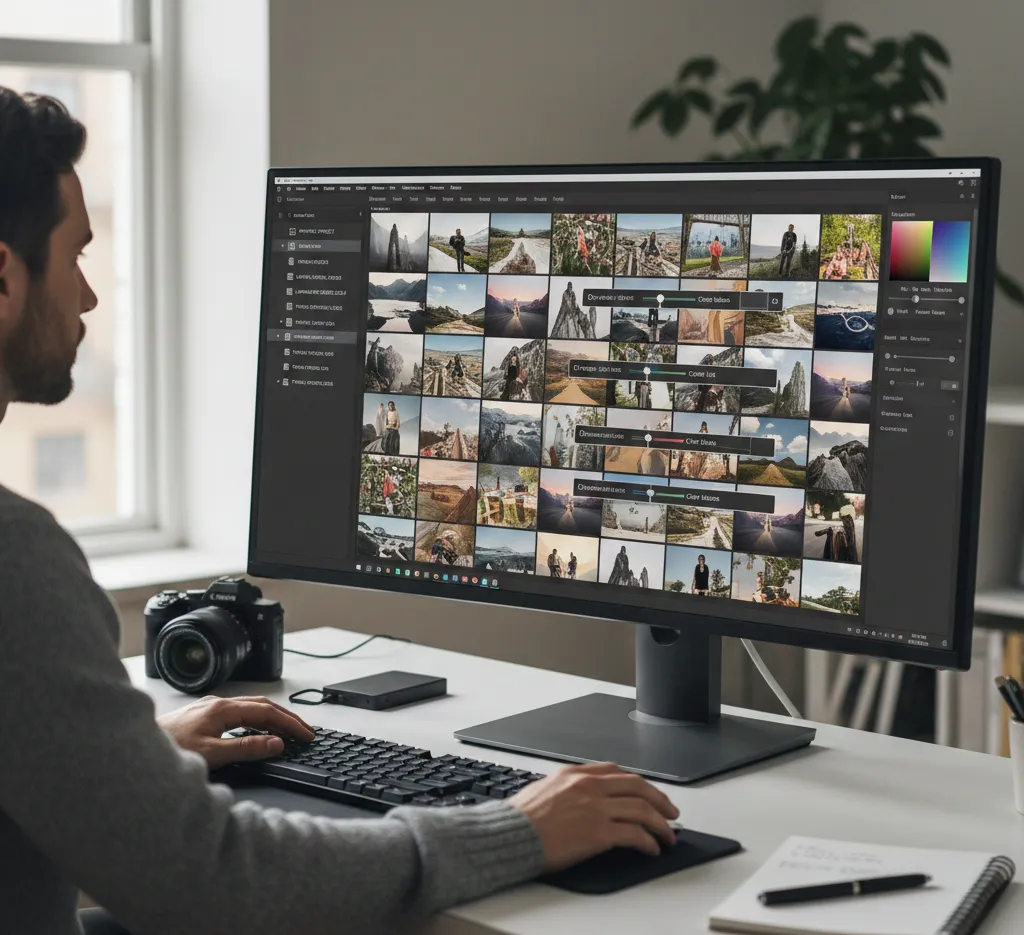
There are different ways to approach bulk photo editing, depending on your needs and the software you use. Many tools offer presets or templates that make it even easier to edit multiple photos with the same look. Some advanced software can even automate more complex edits, like removing backgrounds or improving details.
Here are a few tips for readers who want to try bulk photo editing:
- Organize your photos into folders before editing to keep things simple.
- Use presets for color, lighting, or size to maintain consistency.
- Always preview changes on a few images before applying them to all photos.
- With the right approach, bulk photo editing can turn a time-consuming task into a quick and efficient process.
Who Can Benefit This Type of Photo Editing
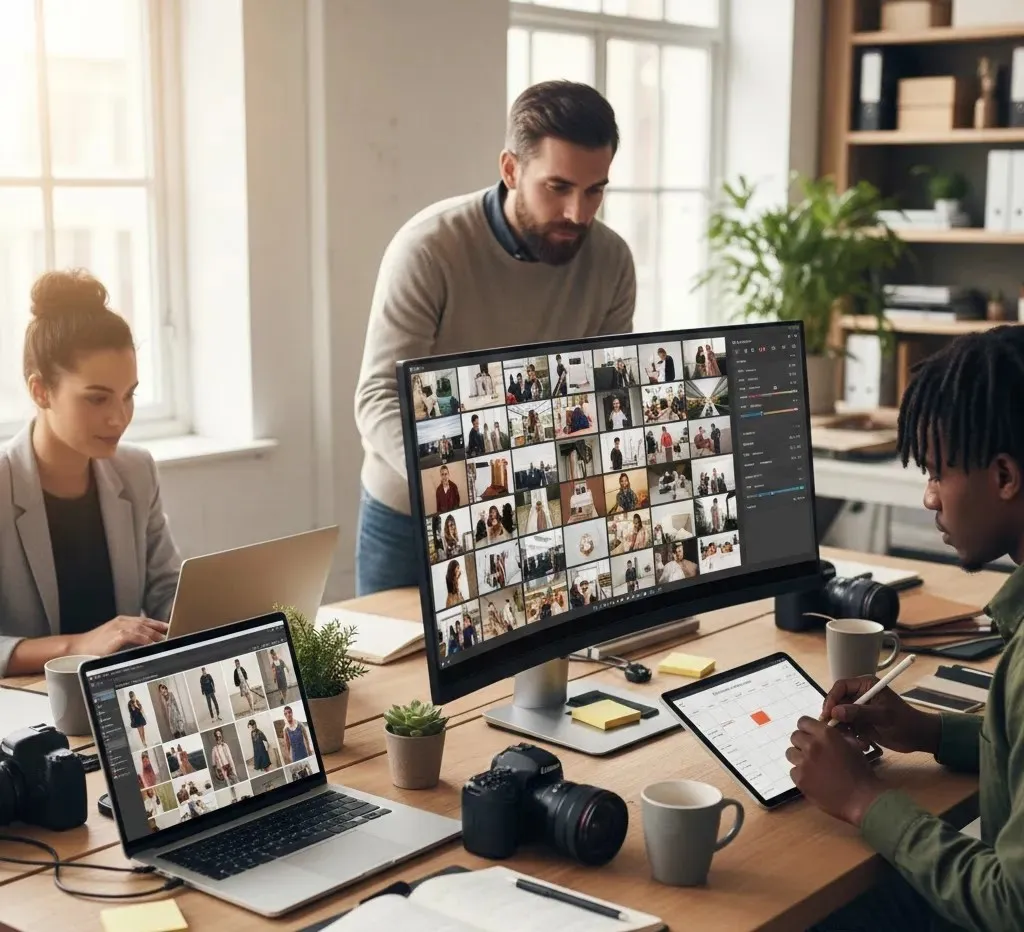
Bulk photo editing is helpful for anyone who works with a large number of images on a regular basis. Photographers often use it after events or photo shoots where hundreds of photos need similar adjustments. Online sellers also benefit because product images must look clean, bright, and consistent across their websites. Social media managers and marketers can quickly prepare content for posts and ads without spending hours on manual edits. Even small businesses and beginners can use bulk photo editing to save time and improve their visuals with less effort. This method is especially useful when speed and consistency matter the most. Instead of repeating the same edits over and over, bulk photo editing helps users stay focused on more creative or important tasks.
Here are some people who can benefit the most:
- Professional and freelance photographers
- E-commerce store owners and product sellers
- Social media managers and content creators
- Marketing teams and design agencies
- Anyone handling large photo collections
Key Features of Bulk Photo Editing Tools
Bulk photo editing tools are designed to make editing large numbers of images faster and easier. One of the main features is the ability to apply the same edits to multiple photos at once, such as adjusting brightness, contrast, and colors. This helps keep all images looking consistent without extra effort. Many tools also allow batch resizing and cropping, which is useful when photos need to fit specific sizes for websites or social media. With these features, users can finish tasks in minutes instead of hours.
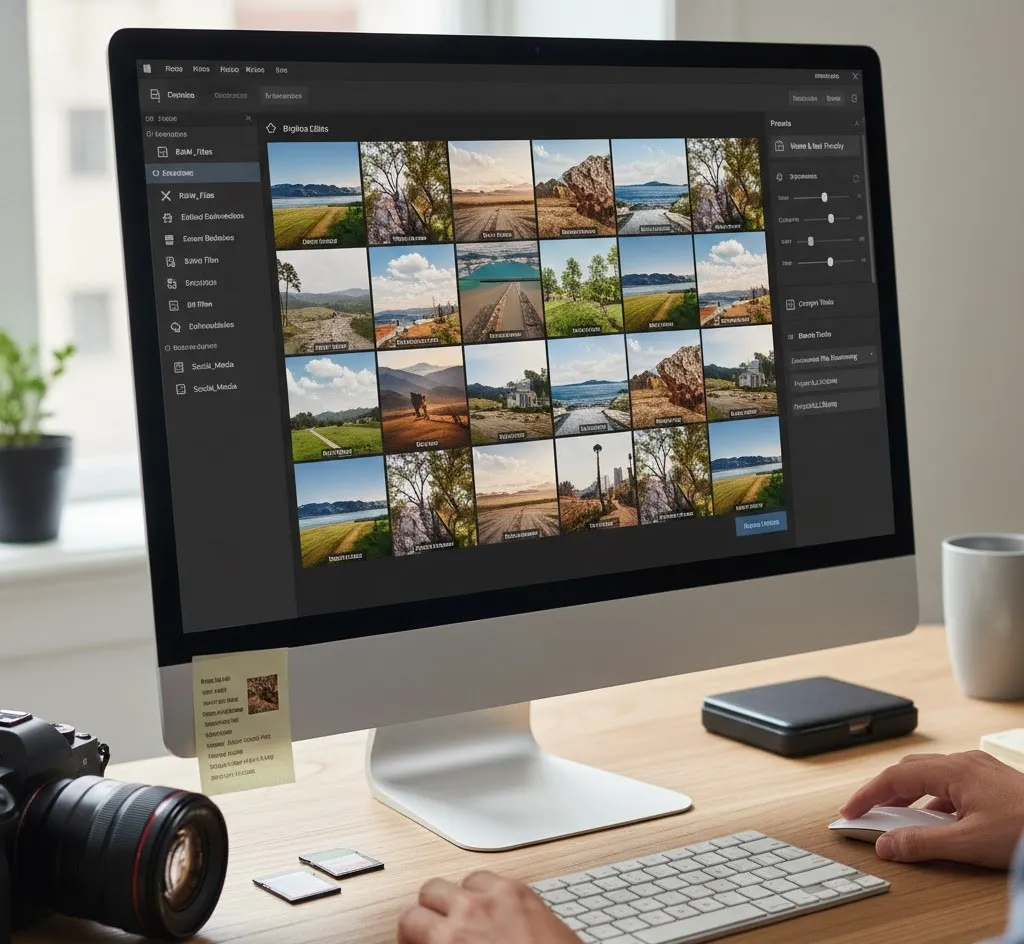
Another important feature is the use of presets and automation. Presets let you save your favorite settings and reuse them whenever needed. Some tools also offer smart features like background removal, auto-enhancement, or file renaming in bulk.
Here are some key features users should look for:
- Batch adjustments for color, lighting, and exposure
- Presets for consistent styles
- Bulk resizing, cropping, and format conversion
- Automatic file naming and organization
- Preview options before applying changes
How to Save Time When Editing Multiple Photos
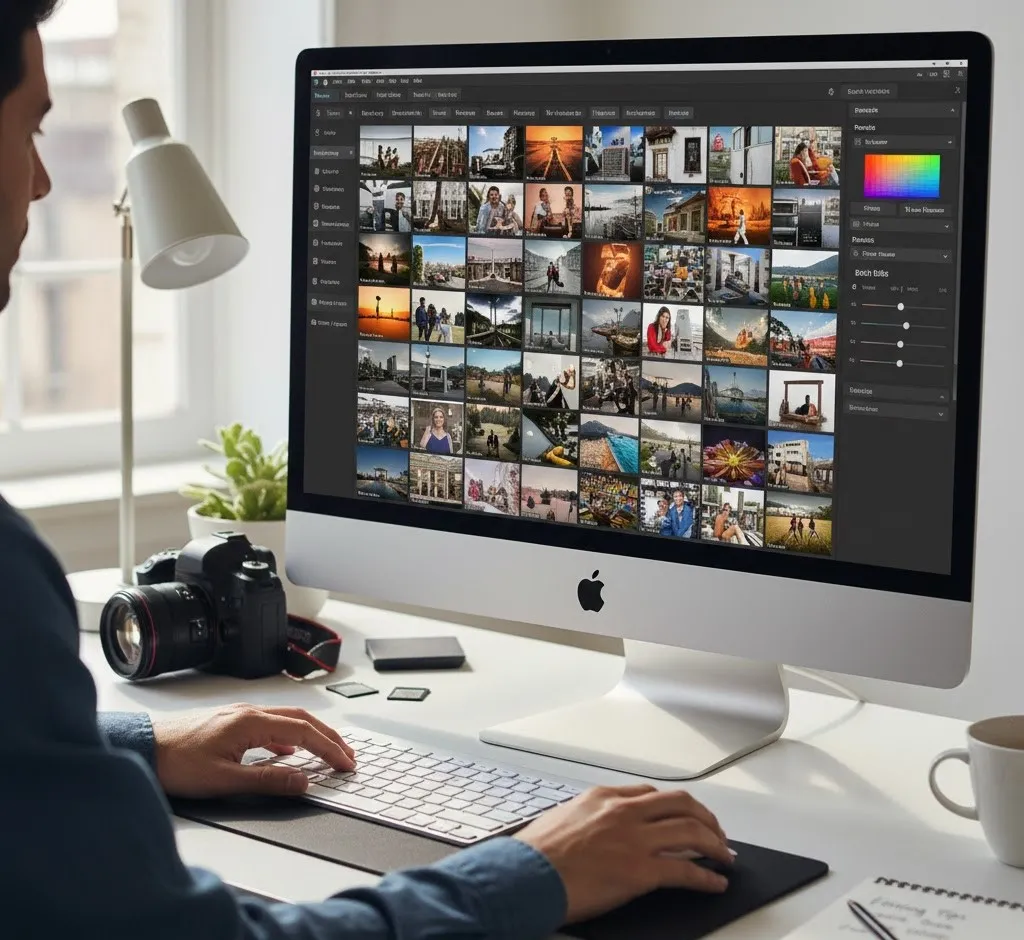
Bulk photo editing becomes even faster when you use the right approach. Before you start editing, take time to organize your photos into folders based on purpose, style, or project. This makes it easier to apply the correct edits to the right images. Using presets or saved settings can also speed things up, as you won’t need to adjust each photo manually. Always test your edits on a few images first to avoid fixing mistakes later. A little preparation can save a lot of editing time. Working smart is just as important as working fast. Keeping your software updated helps you access better tools and smoother performance. It’s also helpful to edit similar photos together so the same adjustments work well across all images.
Here are some time-saving tips to keep in mind:
- Group photos with similar lighting and colors
- Use presets instead of manual edits
- Preview edits before applying them to all photos
- Avoid over-editing to maintain natural results
- Save your best settings for future projects
Choosing the Right Photo Editing Software
Choosing the right bulk photo editing software depends on your needs, skills, and budget. Some tools are simple and perfect for beginners, while others offer advanced features for professionals. It’s important to look for software that can handle batch edits smoothly without slowing down your system. A clean and easy interface also makes a big difference, especially if you edit photos often. The right software should help you work faster, not make the process more complicated.
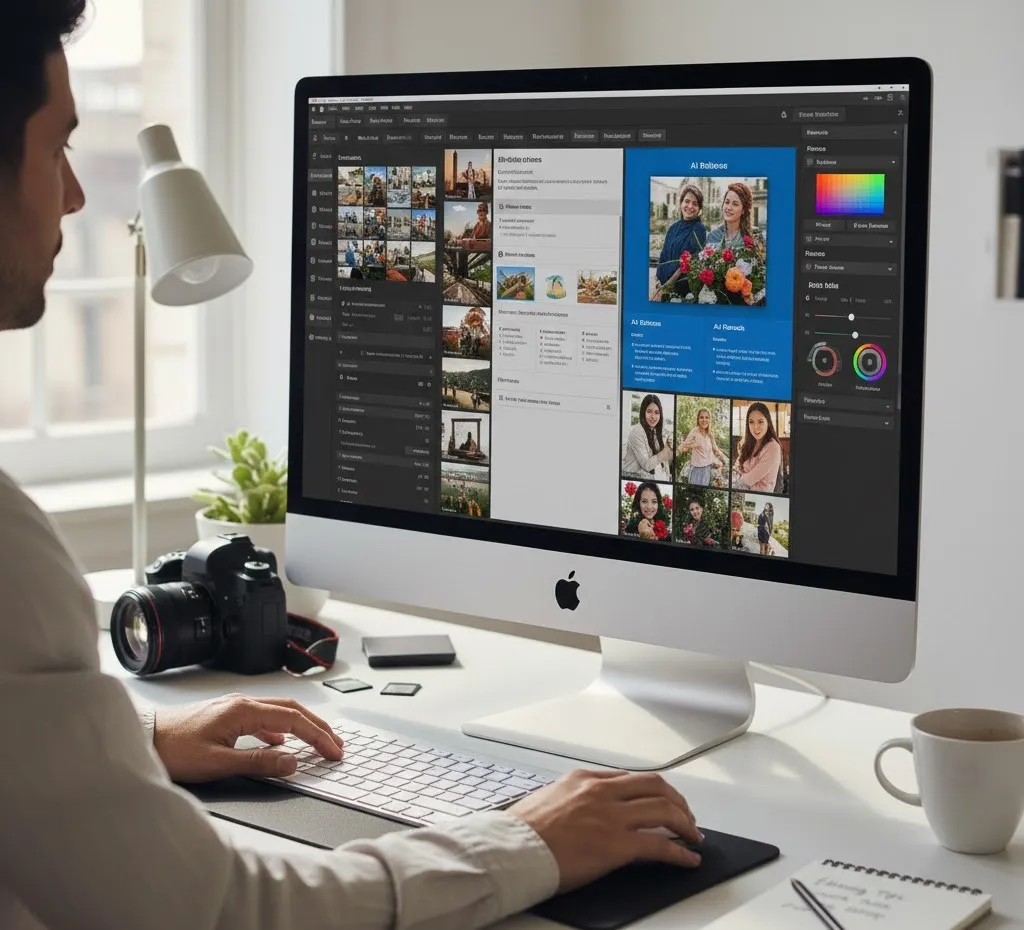
You should also think about the features that matter most to you. Some programs focus on basic edits, while others offer automation and smart tools. Before deciding, here are a few things to consider:
- Support for batch editing and presets
- Easy-to-use interface and clear controls
- Speed and performance with large photo sets
- File format support and export options
- Free trials or demo versions to test features
Conclusion
When time and consistency matter, bulk photo editing becomes a powerful solution. It helps reduce workload while still delivering high-quality images that look clean and professional. With the right tools and simple techniques, editing large batches of photos no longer feels overwhelming. This makes it easier to meet deadlines and stay creative. What challenges do you face when editing multiple photos? Join the conversation in the comments and tell us how you handle them.
Read Next: Photo Mockup Editing That Makes Your Products Stand Out