
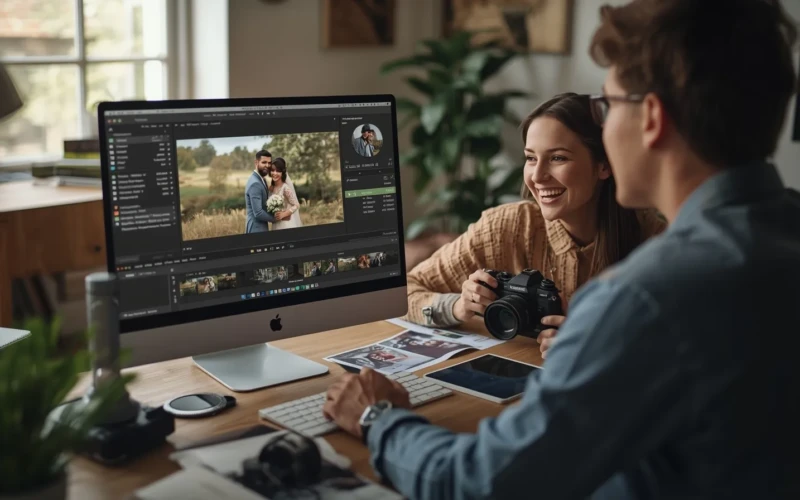
Wedding Photo Editing Software for Photographers and Couples
Weddings are filled with special moments that deserve to look their best in every photo. That’s why many people turn to wedding photo editing software to improve their images with ease. From softening harsh light to improving colors, the right tools can make a big difference. Photographers can polish every detail, while couples can add their own creative touch. Even simple edits can turn a good photo into an amazing memory. With user-friendly features, anyone can create beautiful results without feeling overwhelmed.
For photographers, having the right tools saves time and keeps their work consistent. It allows them to deliver albums that look clean, bright, and professional. For couples, editing software makes it fun to relive their big day while adjusting photos to match their style. They can add warmth, adjust brightness, or highlight emotional moments in just a few clicks. No matter your skill level, the right program helps bring out the true beauty of each image. In the end, it’s all about preserving memories in a way that feels real and meaningful.
Why Wedding Photo Editing Software Makes Every Photo Better
Wedding days are full of emotion, but not every photo comes out perfect straight from the camera. Lighting can be uneven, colors may look dull, and small distractions can take away from the moment. This is where wedding photo editing software makes a big difference. It helps adjust brightness, fix colors, and sharpen important details so every image looks clean and beautiful. Even simple corrections can turn an average photo into something frame-worthy. With the right edits, each picture can truly reflect the joy and love of the day.
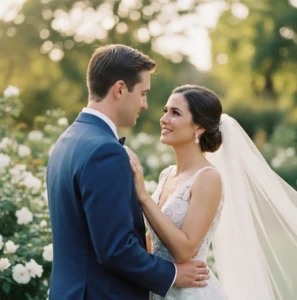
Wedding photo editing software also helps create a consistent look across the entire album. Instead of having photos that feel mismatched, you can apply similar tones and styles to tell one smooth visual story. It also saves time by offering tools that work quickly and efficiently. If you are a photographer or a couple editing your own photos, these features make the process easier and more enjoyable. When used wisely, editing improves the memory without making it look fake or overdone.
Helpful tips when editing your wedding photos:
- Adjust brightness and contrast first before adding filters.
- Keep skin tones natural to maintain a realistic look.
- Use presets to save time, but tweak them to fit each photo.
- Remove small distractions in the background for a cleaner image.
- Avoid over-editing so the photos still feel true to the moment.
Turn Raw Wedding Photos into Beautiful Memories
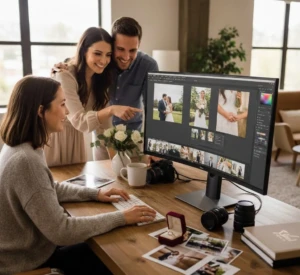
Raw wedding photos often photograph real emotions, but they may not always look perfect at first glance. The lighting might be uneven, colors may seem dull, or small background distractions can pull attention away from the couple. This is where wedding photo editing software becomes truly helpful. It allows you to adjust brightness, improve color tones, and sharpen important details. With the right edits, simple images can feel more alive and meaningful. Small improvements can turn ordinary shots into photos that couples will proudly display and share. Editing also helps create a consistent and beautiful style throughout the entire wedding album.
When all photos have balanced tones and soft lighting, the story of the day feels smoother and more connected. You can improve emotional moments without making them look fake or overdone. The goal is to highlight the love and joy already present in the image. With patience and simple adjustments, raw photos can become lasting memories that feel timeless.
Helpful tips when improving wedding photos:
- Start with basic light and color corrections before adding effects.
- Keep skin tones natural and avoid heavy filters.
- Crop carefully to focus on important details.
- Remove small distractions in the background.
- Save a copy of the original photo before making big edits.
Easy Features of Wedding Photo Editing Software That Save Time and Effort
Modern wedding photo editing software comes with simple features that make editing faster and less stressful. Instead of adjusting every photo one by one, you can use presets to apply the same style in just a click. Batch editing tools also allow you to edit multiple images at the same time, which saves hours of work. Automatic color correction and smart light adjustments help improve photos without needing advanced skills. These features are designed to make the process smooth, even for beginners. With the right tools, you can focus more on creativity and less on technical steps.
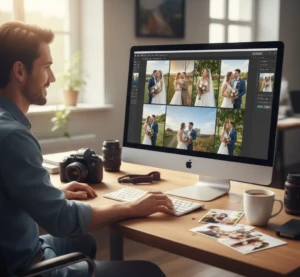
Time-saving features also help photographers meet deadlines and deliver albums faster. Couples who edit their own photos can enjoy the process without feeling overwhelmed. Many programs include easy sliders for brightness, contrast, and warmth, making adjustments simple and clear. Some tools even suggest quick fixes based on the photo’s lighting and tone. When editing feels easy, you are more likely to achieve consistent and beautiful results. Simple tools truly make a big difference in both quality and workflow.
Helpful tips to save more time while editing:
- Use presets as a starting point, then adjust slightly if needed.
- Try batch editing for photos taken in the same lighting.
- Learn keyboard shortcuts to speed up your workflow.
- Organize your photos before editing to avoid confusion.
- Keep your editing style consistent across the album.
Creative Styles for Every Love Story
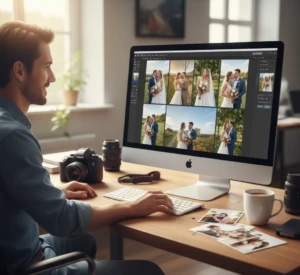
Every couple has a unique love story, and wedding photos should reflect that personal style. Wedding photo editing software makes it easy to create different moods, from soft and romantic to bright and modern. Some couples prefer warm tones that feel cozy and emotional, while others like clean and airy edits that look fresh and elegant. The right creative style can highlight the setting, the outfits, and the emotions in each image. By adjusting colors, contrast, and light, you can shape the overall feeling of the photo. This allows every album to feel special and meaningful. Creative tools such as filters, presets, and color grading options help bring artistic ideas to life.
You can experiment with black and white edits for timeless moments or add gentle glow effects for dreamy portraits. The key is to match the editing style with the theme of the wedding and the couple’s personality. When used carefully, these creative touches improve the image without overpowering it. A consistent style across the album also makes the story flow naturally from one photo to the next.
Helpful tips for choosing the right style:
- Match the editing tone with the wedding theme and venue.
- Keep colors balanced so they look natural and not too strong.
- Use black and white for emotional or classic moments.
- Test different presets, but adjust them to fit your photo.
- Stay consistent with one main style throughout the album.
How Photographers Deliver Professional Results Faster
Professional wedding photographers often work with hundreds or even thousands of images from one event. To manage this large number of photos, they depend on wedding photo editing software that helps speed up their workflow. Features like presets and batch editing allow them to apply the same style to many photos at once. This keeps the album consistent while saving valuable time. Faster editing also means couples do not have to wait too long to receive their final gallery. By working efficiently, photographers can focus more on creativity and storytelling.
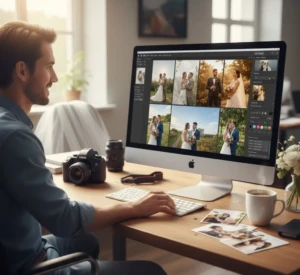
Delivering professional results quickly is not just about speed, but also about having a clear system. Experienced photographers organize their files, select the best images first, and then apply careful adjustments. They improve lighting, correct colors, and refine small details without over-editing. Smart tools make it easier to maintain quality while meeting deadlines. When photographers combine skill with the right features, they can produce amazing results in less time. This balance of efficiency and quality helps build trust and a strong reputation.
Ways photographers deliver results faster:
- Use presets to apply a consistent look instantly.
- Edit multiple photos at once with batch processing.
- Organize images into folders before starting edits.
- Focus on key highlights before fine-tuning small details.
- Create a simple editing workflow and follow it every time.
A Simple Way for Couples to Personalize Their Photos
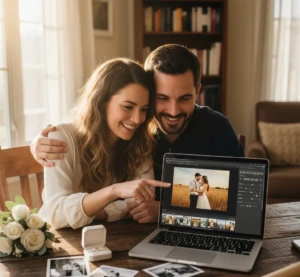
Couples don’t need to be professional editors to make their wedding photos feel personal and special. Wedding photo editing software offers simple tools that let anyone improve images with just a few clicks. Couples can adjust brightness, color, and warmth to match the mood they want to show. Adding soft filters, gentle highlights, or simple vignettes can bring out emotions and make each photo feel unique. Even small touches, like cropping to focus on a meaningful moment, can make a big difference. The best part is that these edits are easy to do without feeling overwhelming or complicated. Personalizing photos also helps couples create keepsakes that reflect their own style and story.
They can highlight favorite details like rings, bouquets, or candid moments that tell the story of their day. Some software even allows adding text, captions, or simple graphics to make albums more meaningful. With a little experimentation, couples can find a style that feels true to their personality. By taking the time to edit and personalize their images, they create memories that will last a lifetime.
Tips for personalizing your wedding photos:
- Adjust colors and brightness to match the mood of each photo.
- Use gentle filters to upgrade emotions without overdoing it.
- Crop photos to focus on meaningful details.
- Highlight special moments, like first looks or candid smiles.
- Add captions or simple text to make your album more personal.
Choosing the Right Wedding Photo Editing Software for Your Needs
Choosing the right wedding photo editing software is important to get the best results without frustration. Not all programs work the same, so it’s helpful to know what you need before deciding. Some software focuses on simple edits and user-friendly tools, perfect for couples who want to personalize their photos. Others offer advanced features like layers, detailed retouching, and batch processing, which are ideal for professional photographers. Considering your skill level, editing goals, and the type of photos you have will make it easier to pick the right program. The right software helps you save time while achieving beautiful, polished images.

It’s also important to look at features, compatibility, and cost when choosing software. Check if it works on your computer or device and if it supports the file types you use. Look for tools that match your editing style, if that’s bright and airy, warm and romantic, or classic and timeless. Many programs offer free trials or demos, which is a great way to test them before committing. By choosing software that fits your needs, you can edit confidently and enjoy the process of turning your wedding photos into lasting memories.
Tips for choosing the right software:
- Decide if what you need beginner-friendly or advanced features.
- Check if the software works on your computer or mobile device.
- Make sure it supports the photo file types you use.
- Test free trials or demos before buying.
- Look for features that match your preferred editing style.
- Consider cost and value for long-term use.
Conclusion
Editing your wedding photos doesn’t have to be stressful or complicated. With the right wedding photo editing software, you can improve colors, fix lighting, and bring out the emotions in every moment. If you’re a professional photographer or a couple wanting to personalize your own pictures, these tools make it easy to create beautiful, lasting memories. From quick fixes to creative touches, small adjustments can turn ordinary shots into photos you’ll cherish forever. Now we’d love to hear from you, what’s your favorite way to edit wedding photos or which software do you enjoy using? Share your tips and experiences in the comments below and join the conversation.
Read Next: How to Add Realistic Shadow Creation to Product Photos