
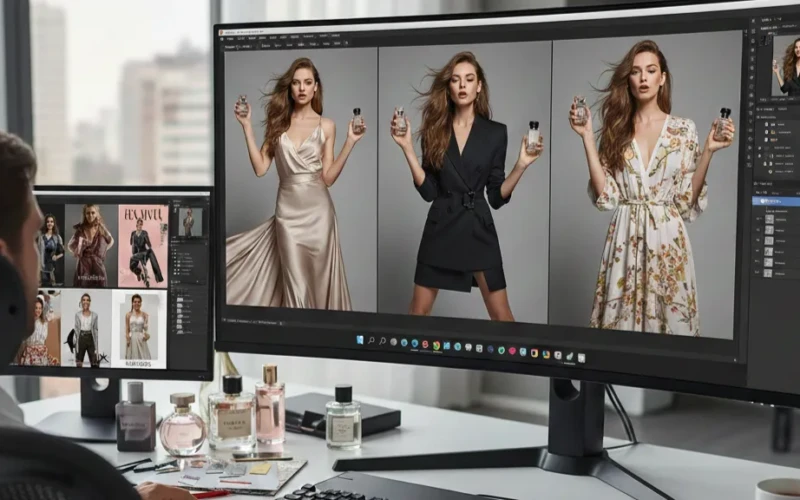
Top 5 Photo Editing Tools for Faster, Better Editing
Editing photos doesn’t have to be confusing or take a lot of time. There are many photo editing tools today that are super easy to use and can help you fix your pictures, add fun effects, and make your photos look cleaner and brighter. You don’t need to be a pro to use them most of these tools do the hard work for you. With just a few clicks, you can turn a plain photo into something noticeable.
In this guide, we’ll look at the Top 5 Photo Editing Tools that help you edit faster and get better results without stress. These tools are simple, user friendly, and packed with features like filters and quick fixes. If you want to edit photos for fun, for social media, or for your job, these photo editing tools can make your editing experience much easier. Let’s dive in and see which ones are worth trying!
Why Photo Editing Tools Matter

These days, pictures are everywhere on social media, websites, and even in our everyday chats. A good photo can grab attention, tell a story, or just make people stop scrolling. That’s why photo editing tools are so important. With photo editing tools, you can fix small mistakes, adjust colors, brighten up dark spots, or even completely change the look of a photo. They help turn regular snapshots into impressive images that really stand out. Photo editing tools also save a lot of time. Instead of spending hours trying to make a photo look right, you can use simple features to get results quickly. This is great for anyone who loves sharing cool pictures online. In short, photo editing tools matter because they make your photos look better and save you time. With the right photo editing tools, even an ordinary picture can look incredible.
How the Right Tool Can Help You Edit Faster and Better
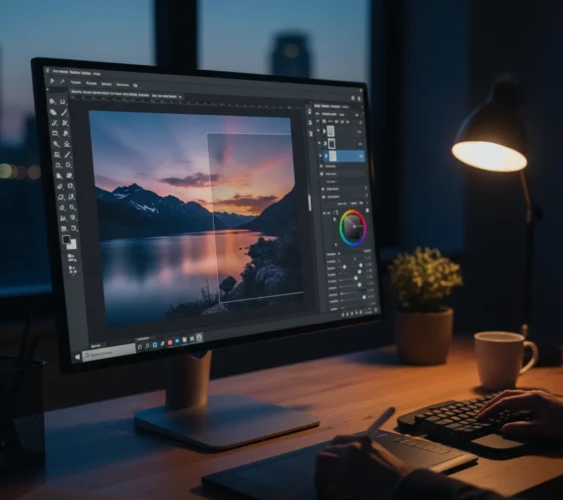
Not all photo editing tools are the same. The right one can make a huge difference in how fast and well you edit your photos. With the right tool, you can do things like sharpen blurry parts, or remove background distractions all without spending hours on each picture. Using a good tool also means your photos look more professional. Even small improvements can make your photos stand out online or in a portfolio. Plus, many modern tools have features like auto-fix, filters, and presets that do the tricky work for you. This saves time and lets you focus on being creative instead of stressing over tiny details. Want your photos to look amazing without wasting hours? Try our photo editing services and get fast, professional results!
What to Look for in Photo Editing Tools
Not all photo editing tools are the same, so it helps to know what to pick. Here are a few things to keep in mind:
- Ease of Use
- Speed and Performance
- Key Features (Filters, Retouching, Effects)
- Compatibility (Mobile, Desktop)
Top 5 Photo Editing Tools
1. Adobe Photoshop
If you’re looking for a super powerful photo editing tool, Adobe Photoshop is the perfect one. It has lots of features that let you fix and completely upgrades your photos. You can adjust colors, remove unwanted stuff, and even combine images with layers and masks. Basically, if you can imagine it, Photoshop can probably do it. Photoshop gives you full control over your photos. You can do small fixes like removing blemishes or big creative projects like designing posters or social media graphics.
On top of that, there are lots of tutorials online, so learning new tricks is easy. It can feel a bit complicated if you’re new, and it costs money because it’s a subscription. But once you get the hang of it, it’s hard to beat for professional-level editing. It is best for people who want total control over their photos from detailed retouching to creative designs. If you’re serious about editing and want professional results, Photoshop is a solid choice.
2. Adobe Lightroom
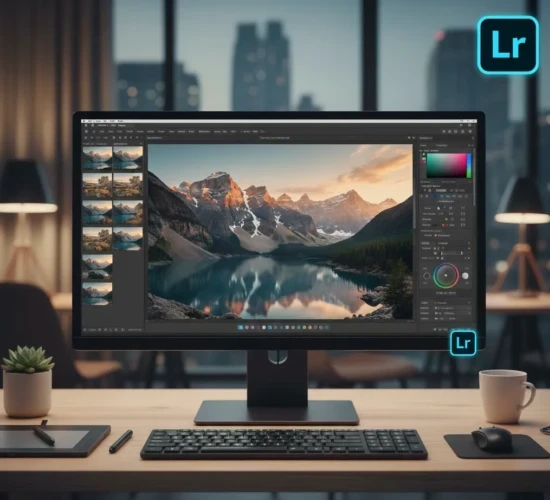
If you want a photo editing tool that’s simple but still super powerful, Adobe Lightroom is a great pick. It’s perfect for fixing colors, adjusting lighting, and making your photos look good without spending hours. Unlike Photoshop, it focuses on improving your photos rather than doing heavy editing or creating graphics. Lightroom is fast and user-friendly. You can adjust brightness, contrast, and colors with just a few sliders. It also has presets basically one-click edits that make your photos look wonderful in seconds. Plus, it works on your phone or computer, so you can edit anywhere. It also has a subscription fee, but many think it’s worth it for the time you save and the professional results. Want perfect photos without lifting a finger? Share your images with us!
3. Capture One
If you’re looking for a photo editing tool that’s perfect for serious photographers, Capture One is worth checking out. It’s great for editing RAW files, adjusting colors, and keeping your images super sharp. It’s designed to give you professional-level control without feeling too messy or complicated. It is known for its remarkable color editing. You can tweak colors, tones, and contrast exactly how you want. It also has powerful tools for organizing your photos, so you can manage big projects easily. It’s a bit pricier than other tools, and the learning curve is harder than Lightroom or Canva. But if you want high-quality results and total control over your photos, it’s worth it. It is best for professional photographers or anyone who wants precise color control and best quality for their images.
4. Affinity Photo
Need a photo editing tool that’s both strong and affordable? Affinity Photo is a great choice. It has lots of features like layers, filters, and retouching tools, so you can make your photos look professional without the big subscription fees. It also works for both beginners and pros. You can adjust colors, fix lighting, remove unwanted objects, and even do creative edits like adding text or effects. It’s fast, reliable, and works on both Mac and Windows. It has many features, which can feel a little overwhelming at first. It’s also not as widely supported with tutorials as Photoshop, but once you get the hang of it, it’s super capable.
5. Luminar Neo
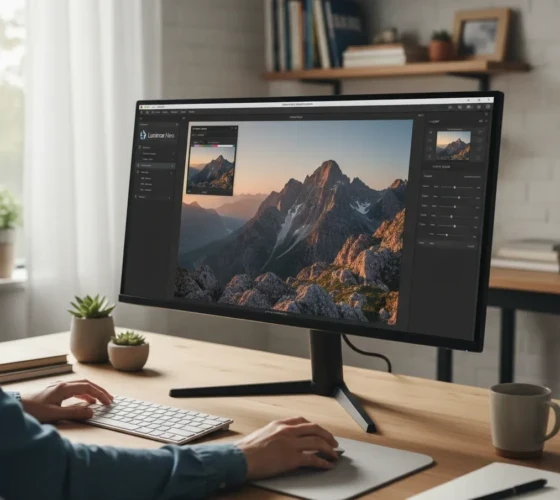
Looking for a photo editing tool that’s smart and easy to use? Luminar Neo is perfect. It is an advanced photo editing software from Skylum that uses artificial intelligence to help users improve and transform photos. It offers a wide range of creative tools that can be used for both simple one-click edits and more detailed manual adjustments. The software is designed to be user-friendly for beginners while still providing depth for professionals, with many features focused on automating tedious tasks so creators can focus on creativity.
With Luminar Neo, you don’t need to spend hours tweaking every little detail, its AI tools do the work for you. and helps you work faster while still giving you the freedom to get what you want.
Conclusion
Editing photos doesn’t have to be hard or take forever. The right photo editing tool can make a big difference, if you want to fix colors, brighten up your shots, or add fun effects. From Photoshop for full creative control, to Lightroom and Luminar Neo for quick and easy edits, or Capture One and Affinity Photo for professional-quality results, there’s a tool for every need. The key is to pick one that’s easy to use, saves you time, and helps your photos look amazing. And if you don’t feel like doing it yourself, send us your photos and we’ll make them look incredible for you!
Read Next: Portrait Photo Editing Services for Professional Headshots