
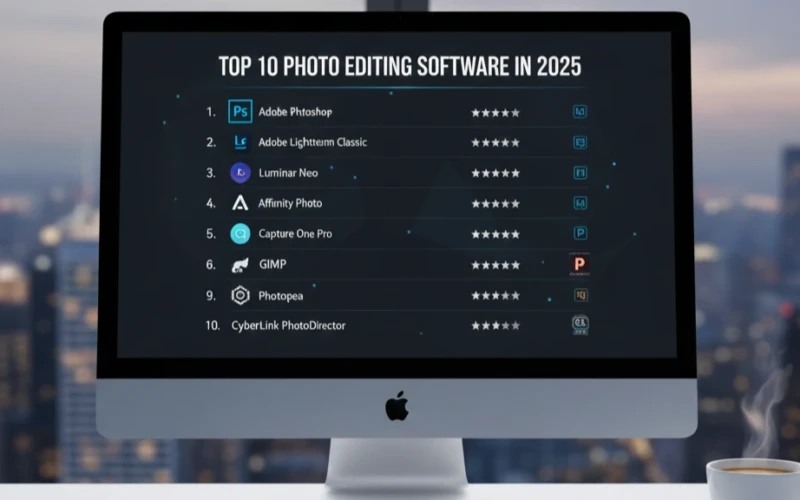
Top 10 Photoshop Editing Services to Try in 2025
Photo editing has come a long way, and in 2025 there are more tools than ever to make your photos shine. If you want small changes or transformations, editing services can turn ordinary shots into noticeable visuals. The right tools make it easy to improve your images, save time, and get results that look professional. For those who want to do a little more, there are powerful programs which offer more advanced features like layers, retouching, and detailed color corrections. Even though these tools can do a lot, they still have user-friendly interfaces that won’t leave you feeling overwhelmed. So, if you’re editing a selfie or touching up a landscape, these tools give you all the flexibility you need to create something great.
With smarter tools and more creative experts available, these services give you access to studio quality results. As well as from perfecting portraits to refining product shots or personal projects to improve your photos. Here are some of the best photo editing options this year:
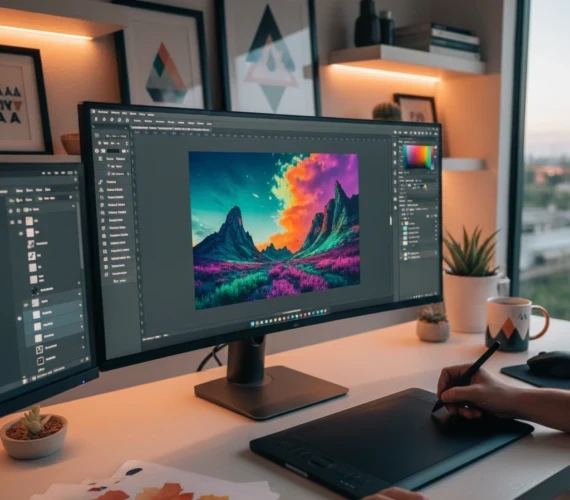
1. Adobe Photoshop
The gold standard of photo editing. Adobe Photoshop remains the most advanced platform for designers, photographers, and digital artists. Moreover, its layer-based editing, endless plugins, and new Adobe Firefly generative AI tools keep it far ahead of the competition.
2. Adobe Lightroom Classic
A necessity for photographers who work with hundreds or thousands of images. Lightroom offers exceptional RAW processing, batch editing, color grading, and catalog organization making it important for wedding, portrait, and commercial photographers.
3. Luminar Neo
An AI-driven editing tool that simplifies complex tasks with one click. Besides, features like sky replacement, background removal, and portrait retouching make Luminar Neo a favorite for users who want fast, creative edits without mastering advanced tools.
4. Affinity Photo
A powerful competitor to Photoshop and you only pay once. Affinity Photo includes advanced retouching, HDR merging, panorama stitching, and pro-level tools without a subscription, making it extremely popular among budget-conscious creators.
5. Capture One Pro
The preferred software of high-end, commercial photographers. Known for its unmatched color accuracy, exceptional RAW processing, and professional tethered shooting capabilities, Capture One is built for studio-level precision. Additionally, its professional shooting capabilities make it ideal for studio environments, providing seamless workflow integration. If you’re looking for studio-level precision and advanced features, Capture One Pro is a top choice.
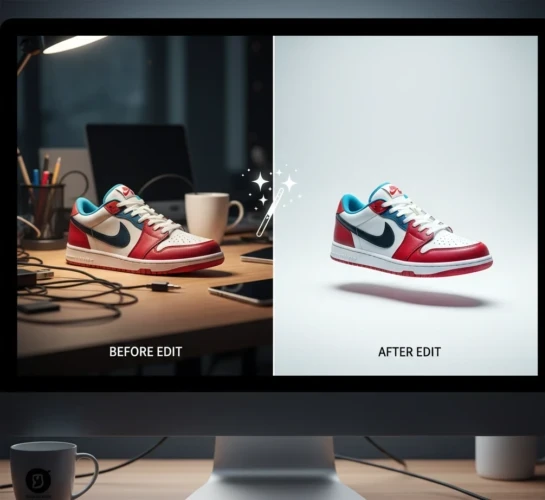
6. Canva
More than a design tool Canva now includes impressive AI-powered and one of the best photo editing features like Magic Edit and instant background removal. It’s ideal for creators, marketers, and business owners who want fast, clean edits with no learning curve.
7. GIMP
A completely free and open-source alternative to Photoshop. GIMP offers advanced retouching, supports nearly all file formats, and is customizable with plugins. Additionally, it supports nearly all file formats and can be easily customized with plugins. Therefore, it’s an excellent choice for users who want powerful features without the need to pay for a subscription
8. Topaz Photo AI
A specialized tool focused on image enhancement. Specifically, with AI sharpening, noise reduction, and deblurring, Topaz Photo AI automatically improves image quality using its Autopilot feature great for photographers dealing with blurry shots.
9. Photopea
A free, browser-based editor that looks and functions almost exactly like Photoshop. In addition, it supports PSDs, smart objects, and custom brushes, making it a convenient, no-installation solution for quick and professional edits.
10. CyberLink PhotoDirector
A flexible editor with strong AI tools and an easy interface. Moreover, PhotoDirector offers creative effects, style transfers, object removal, and even image-to-video features, making it perfect for casual users and aspiring creators.
Which Photoshop Editing Service Is Right for You?
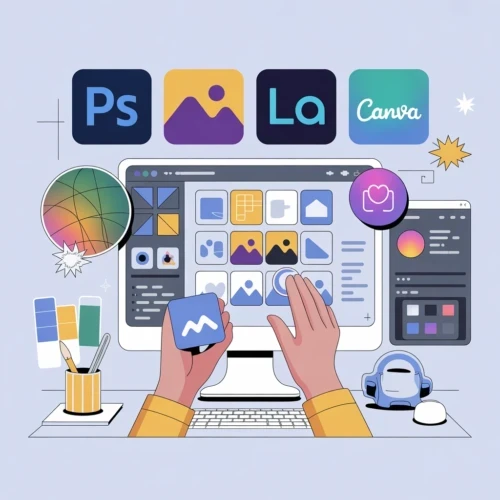
Choosing the right Photoshop editing service depends on your goals, skill level, and workflow. Not every service is designed for every user, some are professional software tools you operate yourself, while others offer AI-assisted or outsourced editing for faster results. Here’s a guide to help you find the perfect fit.
For Professionals Who Want Full Control
If you’re a photographer, designer, or digital artist who needs advanced tools and full creative freedom, Adobe Photoshop or Capture One Pro are ideal. These platforms offer industry-standard features, layer-based editing, and professional color management.
For Photographers Managing Large Volumes
If you work with hundreds of RAW files, weddings, or event galleries, Adobe Lightroom Classic or Luminar Neo can save you time. They allow batch processing, quick adjustments, and consistent results across all images.
For Fast, AI-Powered Edits
If speed and simplicity are your priority, AI-assisted tools like Luminar Neo, Topaz Photo AI, or Canva can improve images automatically, correct colors, remove backgrounds, and even retouch portraits without manual labor.
For Beginners or Casual Users
Hobbyists, social media creators, or anyone new to photo editing, browser-based or free tools like Photopea, GIMP, or Canva offer easy-to-use interfaces with professional-looking results.
For Budget Conscious Creators
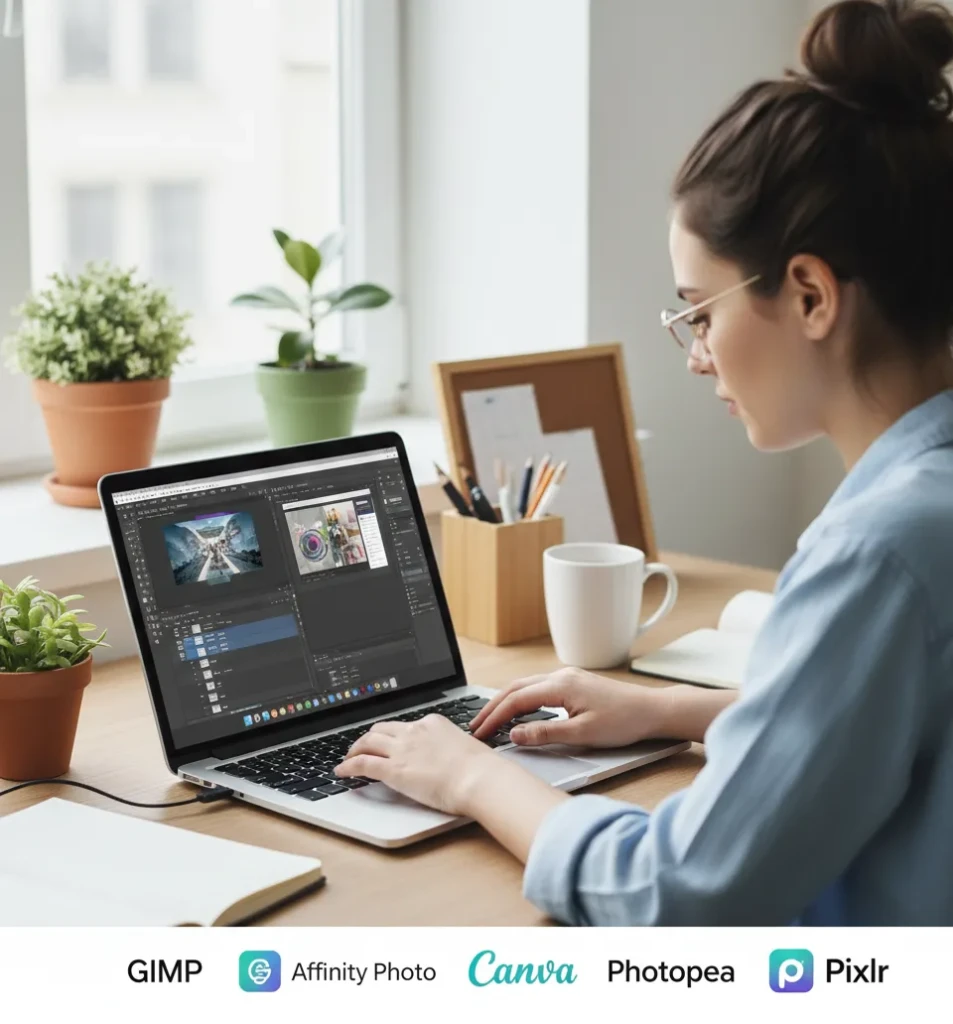
For creators that are just getting started, these budget-friendly tools are like a playground wherein you can try out new things without worrying about the cost. In fact, you don’t need to drop hundreds of dollars on software to make awesome designs or edits. Plus, these tools help you learn the basics, like changing colors, cutting out parts of images, or using layers, without the hassle of pricey software. Also, you can take your time to experiment and learn without the pressure of paying for something you might not even use in the long run. As you get better and feel more confident, you’ll know when it’s the right time to upgrade to more advanced software. But for now, you’ve got everything you need to create amazing stuff within your budget!
Conclusion
Choosing the right Photoshop editing service in 2025 is easier than ever with so many options available. For example, there are professional tools like Photoshop and Capture One Pro, Luminar Neo, Canva or Photopea. Think about your editing style, workflow, and goals. By considering these factors, you’ll find the perfect editing service that helps you create stunning images with ease and efficiency.
Read Next: Editing Pictures in Photoshop Made Easy: Tools You Should Know