
Complete Guide to Photo Editing for Business and Personal Use
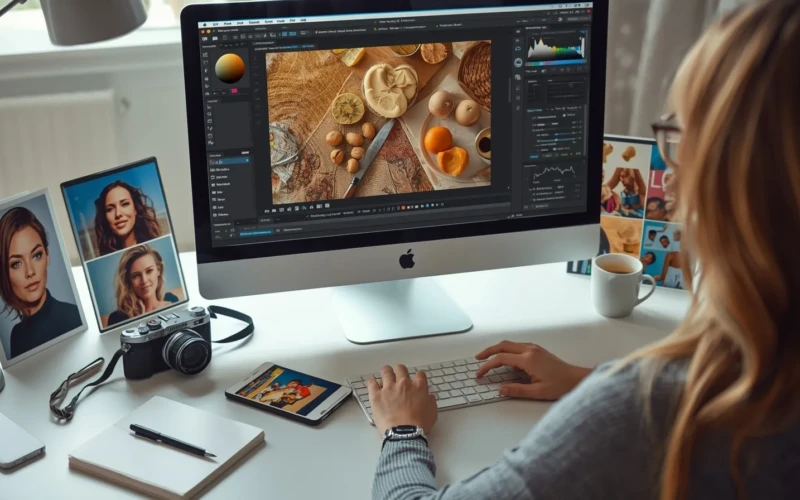
Photo editing is an important skill for anyone who wants their images to look professional and appealing. If you are managing a business, running social media accounts, or just sharing photos for personal use, good editing can make a big difference. It helps improve colors, remove unwanted objects, and improve details so your pictures stand out. With the right techniques, even simple edits can transform ordinary photos into eye-catching visuals. Learning the basics of photo editing can save time, improve your content, and make your work look polished and professional. If you need help editing your photos, you can upload your project here.
Photo editing is not just for professionals; it’s for everyone who wants to make their images better. Businesses can use it to attract customers with high-quality visuals, while individuals can improve personal photos to photograph memories beautifully. There are many tools and methods available that are easy to learn, even for beginners. By understanding key editing techniques, you can bring out the best in every image you create. This guide will walk you through everything you need to know to get started with photo editing for both business and personal use.
Why Photo Editing is Important for Everyone

Photo editing is important because it helps make your images look clear, professional, and appealing. If you are a business owner or just sharing personal photos, good editing can make a big difference. Edited photos help show the true colors, details, and quality of a product or moment. They can remove distractions, fix lighting issues, and make the overall image more attractive. Even small changes can transform a regular photo into something eye-catching and memorable. Photo editing allows everyone to present their visuals in the best possible way. For businesses, well-edited images can improve brand reputation and attract more customers. For personal use, they help photograph memories beautifully and make photos look polished before sharing.
Learning basic editing skills is useful for anyone, regardless of experience. By understanding the value of photo editing, you can make your content more effective and visually appealing. Here are some simple tips to get started:
- Adjust brightness and contrast to make the image clear
- Crop photos to focus on the main subject
- Remove unwanted objects or background distractions
- Improve colors to make the image more lively
- Keep a consistent style for all your images
Basic Tools You Need for Photo Editing
Having the right tools makes photo editing easier and more effective. You don’t need to be a professional to start; many simple tools are available for both beginners and advanced users. These tools help you adjust brightness, contrast, colors, and sharpness, as well as remove unwanted objects from your photos. If you are editing for business or personal use, having reliable tools saves time and improves the final results. Learning how to use even basic tools can make your photos look polished and professional.
There are many tools available online and offline, ranging from free apps to paid software. Choosing the right ones depends on your needs and skill level. For beginners, simple apps or software with easy-to-use interfaces are ideal, while advanced users can explore more features. Here are some basic tools you should consider:
- Brightness and contrast adjustment to make images clear
- Crop and rotate tools to focus on the main subject
- Color correction tools to make colors look natural
- Retouch tools to remove spots or unwanted objects
- Filters and effects to improve the mood of the photo
Simple Steps to Improve Your Photos Quickly

Improving your photos doesn’t have to be complicated or take a long time. With a few simple steps, you can make your images look polished and professional. Adjusting basic elements like brightness, contrast, and colors can immediately improve the overall look. Cropping and straightening your photos can also help focus on the main subject and remove distractions. These small improvements make a big difference, if the photos are for personal memories or business use. Even simple edits can help your images stand out online and make a strong impression. You don’t need advanced software; most basic photo editing tools offer quick options for these improvements. Consistently applying these simple steps will make your photos look professional and appealing over time.
Here are some easy tips to get started:
- Adjust brightness and contrast to make the photo clearer
- Crop or straighten images to focus on the main subject
- Improve colors to make the photo more vibrant
- Remove unwanted objects or distractions in the background
- Sharpen the image slightly to highlight details
How Photo Editing Can Make Your Business Look Professional
Photo editing plays a key role in how customers see your business. Clear, polished, and professional-looking images give a strong first impression and show that your brand cares about quality. High-quality photos help your products or services stand out from competitors and make your website, social media, or ads look more reliable. When your visuals are consistent and well-edited, it builds trust and encourages customers to engage with your brand. Even small adjustments like correcting colors or removing distractions can make your business appear more professional.
For businesses, professional-looking images also improve marketing results. Edited photos attract attention, make your products easier to understand, and increase the chances of sales. You don’t need to spend a lot of money to achieve this; simple and consistent photo editing can have a big impact. Here are some tips to make your business photos look professional:
- Use consistent lighting and background for all product images
- Correct colors to match the real product or service
- Remove unnecessary objects or distractions from the frame
- Adjust sharpness and clarity to highlight important details
- Keep a uniform editing style across all platforms
Tips for Editing Personal Photos to Make Memories Shine

Editing personal photos can help preserve special moments and make them look their best. Simple edits like adjusting brightness, contrast, and colors can make memories more vivid and enjoyable to share. You can also remove distractions or unwanted objects from the background to keep the focus on the main subject. Even small improvements like sharpening details or adding soft filters can bring your photos to life. By taking the time to edit your personal photos, you create images that are more visually appealing and memorable.
Personal photo editing doesn’t need to be complicated or time-consuming. With basic tools and simple techniques, anyone can improve their photos and highlight the special moments in their life. Here are some easy tips to make your personal photos shine:
- Adjust brightness and contrast to improve the photo’s clarity
- Crop the image to focus on the main subject
- Correct colors to make the scene look natural
- Remove unwanted objects or distractions from the background
- Apply subtle filters or effects to add mood or warmth
Common Mistakes to Avoid in Photo Editing
Photo editing can greatly improve your images, but certain mistakes can make them look worse instead of better. Over-editing is a common issue, where colors, contrast, or filters are pushed too far, making the photo look unnatural. Another mistake is inconsistent editing, which can make a collection of photos look messy or unprofessional. Poor cropping, ignoring background distractions, or sharpening too much are other problems that can reduce the quality of your images. Avoiding these mistakes helps your photos look polished, natural, and professional.
Learning from these common errors makes sure that your photo editing improves the image rather than ruining it. Even small improvements in editing choices can make a big difference in how your photos are perceived. Here are some tips to avoid common photo editing mistakes:
- Avoid over-saturating or over-contrasting colors
- Keep edits consistent across multiple images
- Crop carefully to maintain the subject’s balance
- Remove distractions without cutting important parts of the image
- Use filters and effects subtly to keep the photo natural
How to Keep Your Photo Editing Consistent Across Platforms
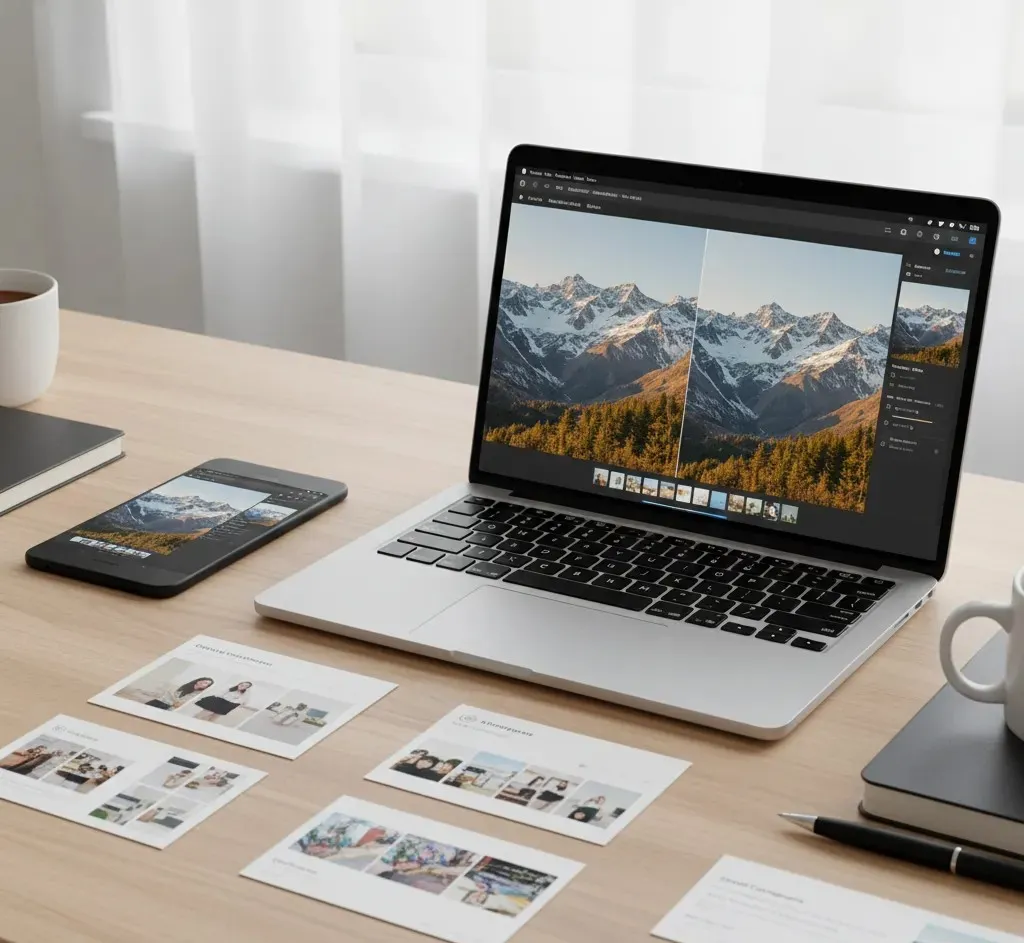
Consistency in photo editing is important for building a recognizable and professional look. When your photos share a similar style, color tone, and lighting, it creates a strong brand identity for your business or personal content. Inconsistent edits can confuse viewers and make your images appear unprofessional. Consistency helps your audience quickly identify your work and builds trust over time. Even small differences in color, contrast, or cropping can affect the overall impression of your photos. Maintaining a consistent style doesn’t require complicated tools, just planning and attention to detail. Using the same editing techniques across all platforms makes your images look cohesive and polished.
Here are some tips to keep your photo editing consistent:
- Use similar lighting and exposure settings for all photos
- Apply the same color corrections or filters consistently
- Keep cropping and framing uniform for a cohesive look
- Maintain sharpness and clarity at the same level for all images
- Develop a simple editing workflow and stick to it
Advanced Techniques to Take Your Editing to the Next Level
Once you have mastered the basics of photo editing, learning advanced techniques can help you create more professional and creative images. Techniques like layering, masking, and selective adjustments allow you to make precise edits without affecting the entire photo. You can improve specific areas, add creative effects, or combine multiple images for a unique result. Advanced editing also includes using curves, levels, and color grading to achieve a polished and balanced look. These techniques give you more control over your images and allow you to bring your creative vision to life.
Advanced photo editing can also help your business or personal photos stand out in a competitive online environment. Even small enhancements using these techniques can make a big difference in how people perceive your images. Learning and practicing these skills can improve the overall quality of your visuals and make them more engaging. Here are some tips to get started with advanced editing:
- Use layers to edit different parts of an image separately
- Apply masks to make selective adjustments without affecting the whole photo
- Experiment with curves and levels to improve lighting and contrast
- Try color grading to create a consistent mood or style
- Combine multiple images or elements to create creative compositions
How Photo Editing Saves Time and Effort
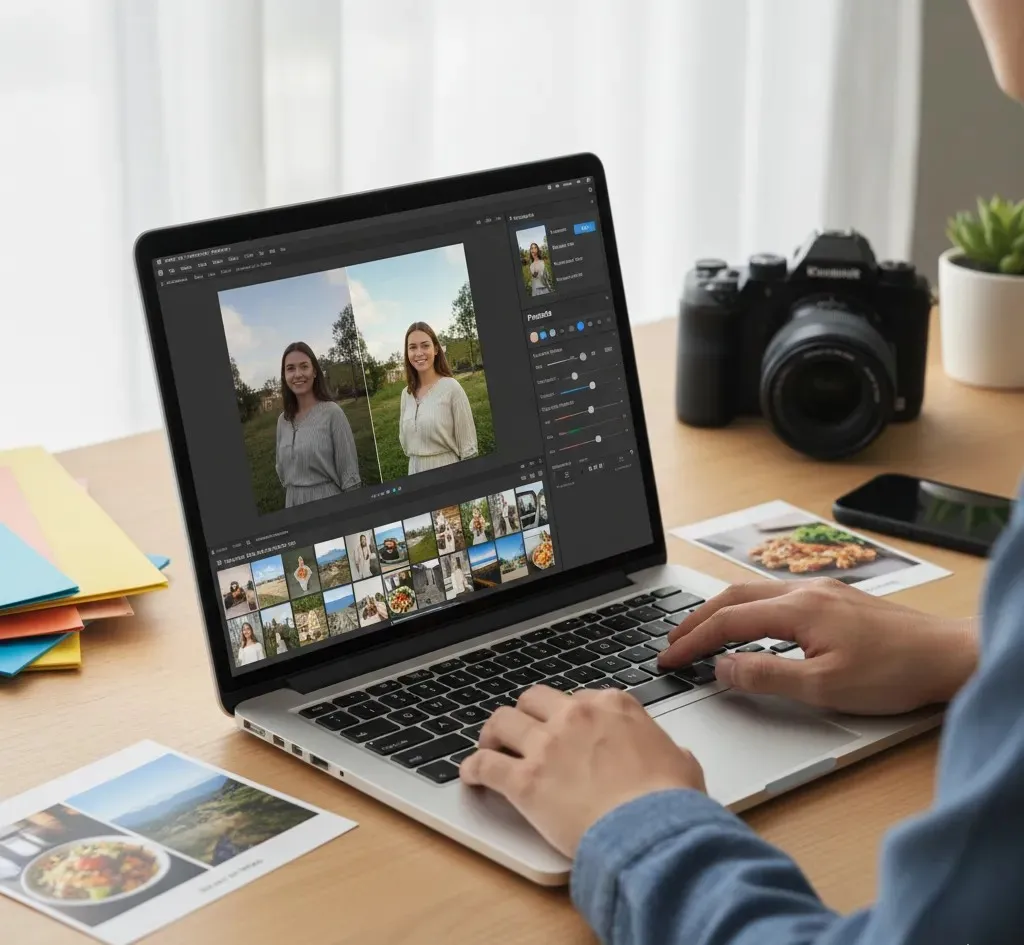
Photo editing can actually save you a lot of time and effort when done correctly. Instead of retaking photos multiple times to get the perfect shot, you can fix issues like lighting, colors, or minor imperfections with editing tools. This is especially useful for businesses that need high-quality images quickly for websites, social media, or marketing campaigns. Editing also allows you to reuse and adjust photos for different purposes without starting from scratch. By learning efficient editing techniques, you can produce polished results in less time while maintaining high quality.
Using templates, presets, and batch editing tools can make the process even faster. These features help you apply the same adjustments to multiple photos at once, keeping your style consistent and saving valuable time. Here are some tips to save time while editing:
- Use presets or filters for quick color and tone adjustments
- Apply batch editing to multiple photos at once
- Keep a consistent workflow to avoid repeating steps
- Organize your photos before editing to work efficiently
- Focus on key adjustments first, then fine-tune details
Best Practices for Sharing Edited Photos Online
Sharing your edited photos online requires some planning to make sure they look their best and reach the right audience. High-quality images grab attention, improve engagement, and reflect professionalism, if it is for business or personal use. It’s important to optimize your photos for different platforms, as each social media site or website may display images differently. Properly sized and well-formatted photos make sure they appear clear and polished, without being cut off or losing quality. Thoughtful captions, tags, and descriptions can also improve the impact of your images and help people find them more easily.
Maintaining consistency across platforms is key to building a recognizable style and brand identity. Regularly posting well-edited images can help you engage your audience and strengthen your online presence. Here are some best practices to follow when sharing edited photos online:
- Resize images to fit the platform’s recommended dimensions
- Use file formats that maintain quality, such as JPEG or PNG
- Add descriptive captions and relevant hashtags
- Keep a consistent style and color tone across all posts
- Preview images before posting to check for clarity and proper alignment
Conclusion
Photo editing is a skill that can make any image look more professional, appealing, and memorable. If it is for business or personal use, well-edited photos help you stand out, build trust, and showcase your content in the best way. Even small adjustments can transform ordinary pictures into visuals that grab attention and leave a lasting impression. By learning and applying simple techniques consistently, you can create polished images that reflect quality and care. We would love to hear from you; what are your favorite tips or tools for photo editing? Share your experiences and ideas in the comments below so everyone can learn together!