
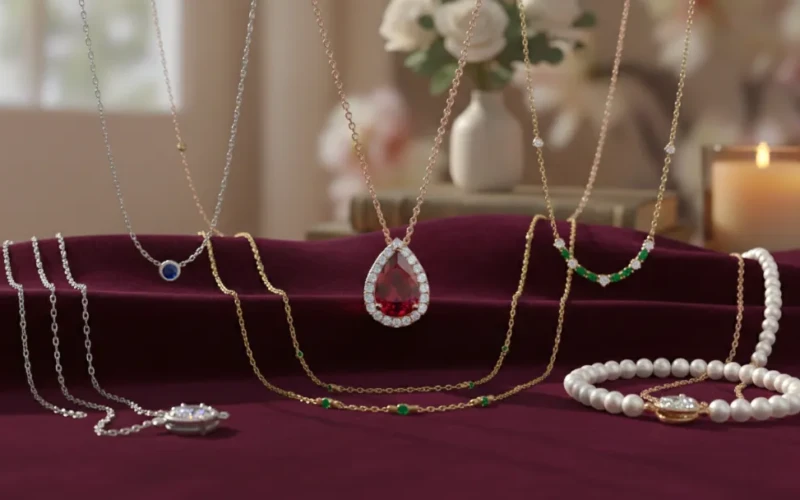
Affordable Photoshop Editing to Make Your Necklaces Stand Out
Your necklace photos are the first thing people notice, and they can make or break a sale. Even the most beautiful pieces can look dull in pictures because of poor lighting, shadows, or reflections. That’s where Photoshop editing comes in. With the right touch, your necklaces can sparkle, colors pop, and every detail looks sharp and professional. You don’t need to spend a fortune or become an editing expert affordable services can handle it all for you. The goal is simple, make your jewelry stand out online and catch your customers’ eyes instantly.
Using Photoshop to edit your necklace photos also saves time and stress. Instead of fiddling with filters or lighting on your own, experts can quickly fix issues like uneven colors, dull metal, or tiny imperfections. They can remove distractions, improve textures, and creat[e a clean look that’s consistent across all your photos. With crisp, high-quality images, buyers are more confident, and your necklaces get the attention they deserve.
Make Every Necklace Shine and Grab Attention
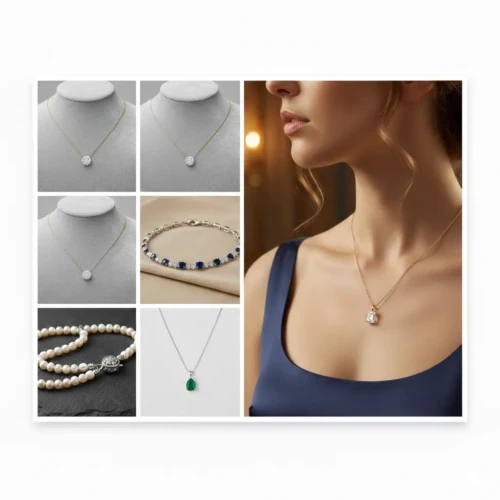
Making every necklace shine starts with highlighting its unique details in a way that catches the eye. Proper lighting, clean backgrounds, and careful editing can make metals gleam and gemstones sparkle without looking fake. A well-retouched image draws attention to the craftsmanship and beauty of the piece, helping it stand out in a crowded market. Even small details like the way a chain reflects light or how a pendant sits can make a big difference. When your photos look consistent, customers are more likely to trust the quality and imagine wearing the piece themselves.
It’s not just about making the necklace look pretty by emphasizing clarity, color accuracy, and sparkle, you can make your jewelry irresistible online. Consistent styling across all your product photos also gives your brand a professional, trustworthy feel. Small touches, like showing the necklace from multiple angles or focusing on the clasp and chain, add extra confidence for buyers. When done right, every photo not only shows the necklace but tells a story that makes people want to own it.
Why Photoshop Editing is Important
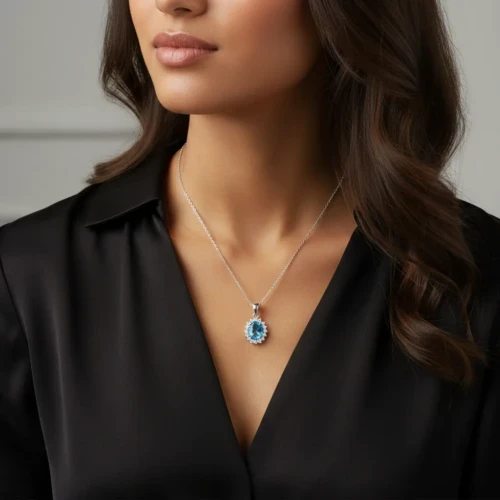
Photoshop editing is a key step in making your jewelry look its absolute best. Even the most beautiful pieces can appear dull in raw photos due to its condition. Editing allows you to fix these issues, highlight details, and make every piece look polished and professional. For jewelry, small changes like adjusting brightness, improving color accuracy, or removing tiny scratches can make a huge difference in how the product is perceived. Consistent editing also make sure that all your images match in style, which builds trust with potential buyers. Using Photoshop doesn’t mean changing the product it means showing it in the best possible way. It helps highlight sparkle, shine, and intricate details while keeping the jewelry looking natural.
Well-edited images grab attention, increase buyer confidence, and make your brand look professional. Regardless if it’s for an online store, social media, or catalog, Photoshop editing makes your products stand out in a competitive market. Explore our professional Photoshop editing services today and let us make your pieces shine!
Small Tweaks Can Make a Big Difference
Small tweaks in editing can completely change how jewelry is seen by customers. Simple adjustments help pieces look more appealing. These minor changes don’t alter the jewelry itself they just bring out its true beauty. When details are clear and balanced, the piece feels more premium and well-crafted. Over time, these small improvements add up and make your entire collection look more professional and trustworthy.
For necklaces, details matter more than people realize. A slightly brighter shine, cleaner background, or corrected color can make the necklace pop on screen. Paying attention to the little things also helps your brand stand out in a crowded market. Customers often notice when images look clean, consistent, and well-edited, even if they can’t explain why. Small refinements improve sparkle, texture, and remove distractions that pull focus away from the jewelry. This makes it easier for buyers to connect with the product and feel confident about their purchase. In the end, it’s often the smallest edits that have the biggest impact.
Remove Imperfections With Photoshop Editing
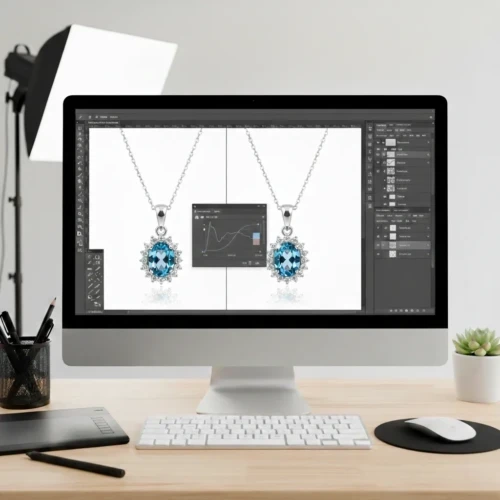
Photoshop editing helps remove small imperfections that can distract from the beauty of jewelry. Tiny scratches, dust spots, fingerprints, or uneven lighting can make a piece look less appealing in photos. With careful editing, these flaws are cleaned up while keeping the jewelry natural and realistic. This allows the true shine, shape, and craftsmanship to stand out. When images look clean and polished, they instantly feel more professional and trustworthy.
Removing imperfections doesn’t mean changing the product it means presenting it in its best form. Photoshop editing smooths out minor issues without losing important details like texture and sparkle. This is especially important for jewelry, where close-up images show everything. Clean visuals help customers focus on the design instead of distractions, making them more confident in their purchase. A well-edited image can turn a good product into a great one. Common imperfections Photoshop can fix:
- Dust, smudges, and fingerprints
- Small scratches or surface marks
- Uneven lighting and harsh shadows
- Background spots or distractions
- Minor color inconsistencies
Say Goodbye to Shadows, Reflections, and Dust
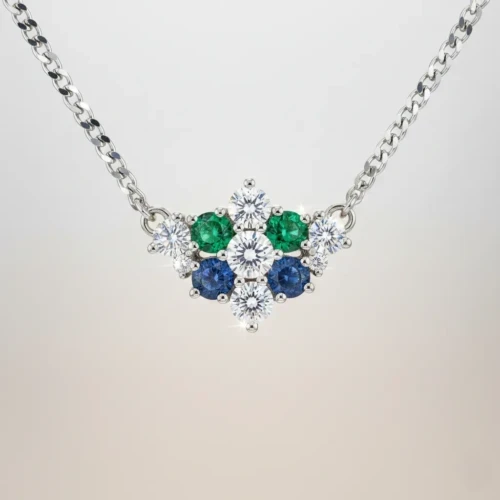
Shadows, reflections, and dust can easily take attention away from even the most beautiful necklaces. Affordable Photoshop editing helps clean up these distractions so the necklace stays the main focus. By fixing harsh shadows, unwanted reflections, and tiny dust spots, the image looks brighter and more balanced. This makes the necklace appear more polished and professional without changing its real design. Also, clean images help customers clearly see the details and feel more confident about what they’re buying. Good editing doesn’t have to be expensive to make a big impact. With the right Photoshop techniques, necklaces can look smooth, shiny, and ready to grab attention online.
Removing imperfections helps highlight the chain, pendant, and metal finish clearly. Consistent, clean images also make your brand look more reliable and high quality. When your necklaces stand out visually, they’re more likely to stand out to buyers too.
Save Time and Stress with Expert Photoshop Editing
Expert Photoshop editing helps you save time and avoid the stress that comes with fixing images on your own. Editing jewelry photos can be time-consuming, especially when dealing with lighting issues, reflections, or tiny imperfections. Professionals know exactly what to adjust to make images look clean, polished, and ready to use. This means you can focus on running your business while the editing work is handled properly. The result is high-quality images without the hassle.
Working with experts also guarantees consistency across all your product photos. Instead of worrying about uneven styles or mistakes, you get images that look professional and well-balanced every time. Skilled editors use proven techniques to correct colors, and remove distractions without overdoing it. This not only reduces stress but also improves the overall look of your brand. When editing is done right, everything feels smoother and more reliable. How expert editing saves you time and stress.
- No need to learn complex Photoshop tools
- Faster turnaround with professional results
- Consistent style across all images
- Fewer revisions and corrections
- More time to focus on your business
What Our Photoshop Editing Can Do
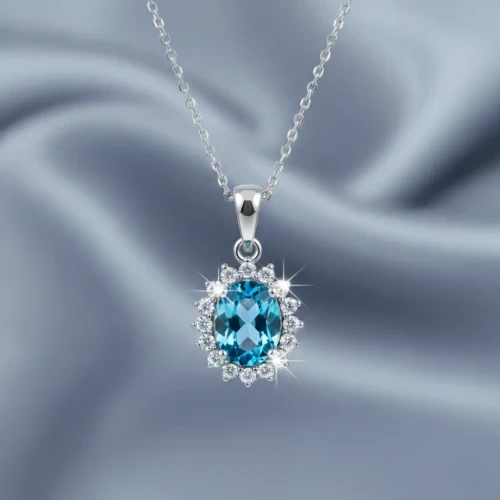
Our Photoshop editing is designed to make your jewelry look clean, polished, and ready to sell. We fix common issues like poor lighting, dull shine, and small imperfections that can take attention away from your pieces. Every edit is done carefully to keep the jewelry looking natural while highlighting its best features. From improving sparkle to cleaning up backgrounds, we focus on details that matter most to buyers. The goal is simple: make your images look professional and trustworthy.
We also make sure all your photos match in style and quality. Consistent editing helps your collection look organized and high-end. Our process saves you time and removes the stress of editing on your own. With clean, well-edited images, your jewelry stands out and leaves a strong impression. Moreover, good visuals don’t just look nice they help turn views into sales. Contact us today to get started with our professional Photoshop editing services!
Conclusion
Great necklace photos come down to the small details that create a strong first impression. Clean, well-edited images help your jewelry shine, build buyer trust, and give your brand a more professional feel. Photoshop editing removes distractions and highlights what makes each necklace special. When your photos look consistent and polished, customers feel more confident and ready to buy. Investing in quality editing is a simple way to make your jewelry stand out online. What challenges do you face when editing necklace photos? Share your thoughts in the comments we’d love to hear from you.
Read Next: Editing Pictures in Photoshop Made Easy: Tools You Should Know