
10 Guide to Choosing the Best Photo Editing Software
Choosing the right photo editing software can feel confusing, especially with so many tools available today. Each program offers different features, styles, and options that can affect the final look of your photos. If you’re fixing colors, removing distractions, or adding creative effects, the right software makes the job easier. It can help you turn simple pictures into clean, eye-catching images without too much effort. With a little guidance, anyone can find a tool that fits their needs and skill level.
In this guide, we’ll walk you through ten helpful tips to make your choice clearer and simpler. You’ll learn what features matter most, what to look for, and how to match a program with your editing goals. These tips will help you save time, avoid confusion, and pick a tool that truly works for you. If you’re a beginner or already familiar with editing, this guide can help you make a smarter choice. Let’s get started and find the best editing tool to help your photos stand out.
Understand What You Need from Photo Editing Software
Before choosing any photo editing software, it is important to clearly understand what you need it for. Some people only want to make small changes like cropping, adjusting brightness, or fixing colors, while others need advanced tools for detailed retouching or creative effects. Your purpose will guide you toward the right features and help you avoid paying for tools you will never use. Think about if you are editing photos for personal use, school projects, social media, or professional work. Photo editing software should match both your skill level and your goals, so the process feels smooth, not frustrating.
It also helps to think about how often you will use the software and how much time you are willing to spend learning it. Beginners usually benefit from simple layouts and easy controls, while experienced users may prefer more powerful options and customization. The device you use matters too, since some photo editing software works better on computers, tablets, or phones. Budget is another key factor, as there are both free and paid options available. When you know your needs clearly, choosing the right tool becomes faster and more confident.
Helpful tips to guide your choice:
- Set a budget before comparing options
- List the basic tasks you want to do, such as cropping, retouching, or adding effects
- Be honest about your skill level to avoid complicated tools
- Decide if you need the software for casual or professional use
- Check if it works well on your device
Choose the Photo Editing Software That Matches Your Skill Level
Beginners often feel overwhelmed by tools that have too many buttons and complex features, which can slow down learning. Simple software with clear menus and guided tools helps new users build confidence while improving their photos. If you are just starting, focus on programs that offer basic adjustments like brightness, contrast, and simple filters. Photo editing software should support your learning, not make it stressful. For intermediate and advanced users, having more control and advanced features becomes important. These users may need tools for detailed retouching, layers, masks, and color correction. Software that allows customization and manual adjustments can help improve editing skills over time.
However, even advanced users should look for a clean and organized interface to work faster. When the software fits your skill level, you can edit more efficiently and enjoy better results.
Tips for choosing the right skill level:
- Avoid software that feels too complex for your current skills
- Beginners should look for simple layouts and easy tools
- Check if the software offers tutorials or guides
- Intermediate users may want more editing control and flexibility
- Advanced users should focus on powerful tools and customization options
Look for an Easy and Clean Interface
An easy and clean interface plays a big role in how comfortable photo editing feels. When tools are clearly labeled and well organized, it becomes easier to focus on editing instead of searching for buttons. A simple layout helps users learn faster and reduces mistakes, especially for beginners. Photo editing software with a clean design also makes the editing process smoother and less tiring. The goal is to spend more time improving photos, not struggling with the software.
A well-designed interface also helps improve speed and productivity. When menus are not cluttered, you can move from one task to another without confusion. This is helpful for users who edit often or work on multiple photos at once. Good photo editing software usually allows you to customize panels or hide tools you don’t need. When the interface feels natural and easy to use, editing becomes more enjoyable and efficient.
Helpful tips when checking the interface:
- Look for clear icons and easy-to-read menus
- Avoid software with too many crowded tools on one screen
- Check if tools are easy to find and access
- See if the layout can be customized
- Try a free version to test how comfortable it feels
Check the Photo Editing Software Tools and Features
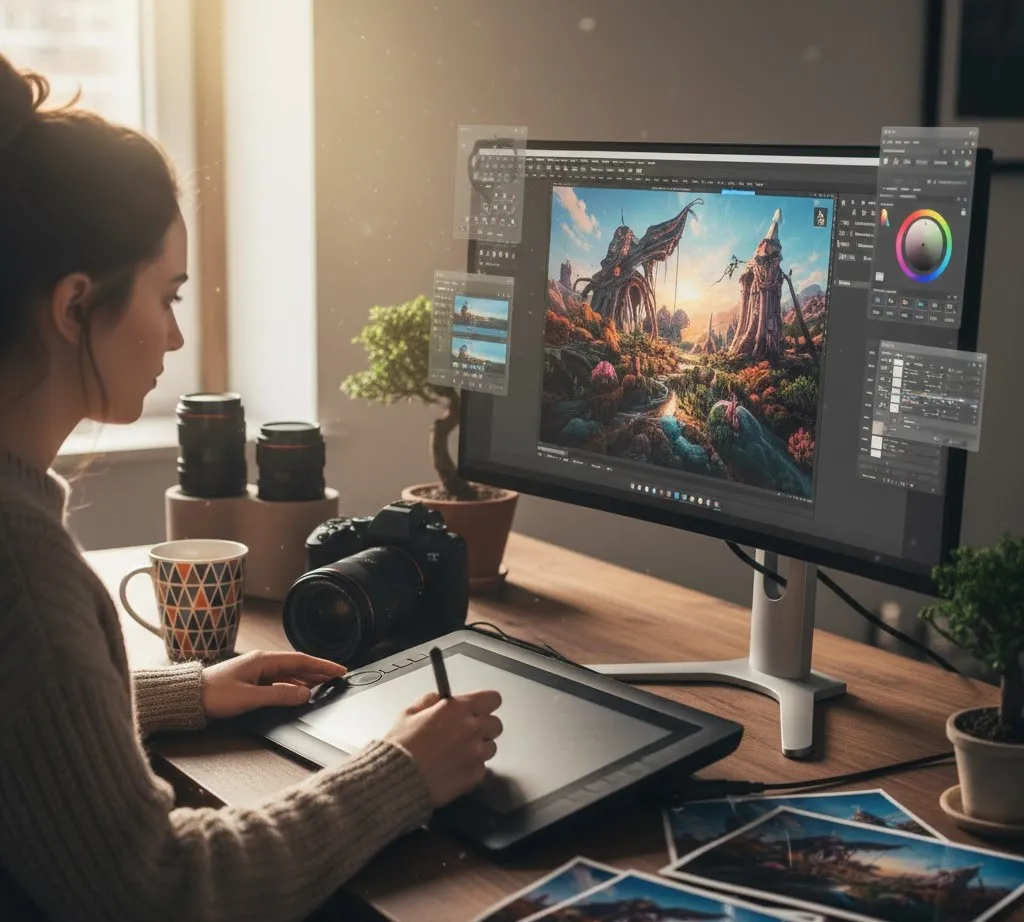
Before choosing any photo editing software, it is important to check the editing tools and features it offers. Basic tools like cropping, resizing, color adjustment, and brightness control are important for everyday editing. If these tools are missing or hard to use, editing can become frustrating. Good photo editing software should help you fix small issues and improve photo quality with just a few steps. The right set of tools makes editing faster and more effective. If you plan to do more advanced work, look for extra features that match your needs. Tools for retouching skin, removing unwanted objects, working with layers, and adding creative effects can make a big difference.
Some photo editing software also includes presets or filters that save time while keeping results consistent. It’s important to choose features you will actually use, rather than being distracted by too many options. When the tools fit your goals, editing feels more enjoyable and productive.
Tips for reviewing tools and features:
- Test the tools through a free trial if available
- Make sure basic editing tools are included
- Check for advanced tools if you plan to edit professionally
- Look for presets or filters to save time
- Avoid software with features you won’t use
See If It Works Well on Your Device
Before choosing photo editing software, make sure it works well on your device. Some programs are designed mainly for desktop computers, while others work better on tablets or mobile phones. If the software does not run smoothly, it can slow down your work and cause frustration. Photo editing software should open quickly, respond well, and not crash while you are editing. Checking compatibility helps you avoid performance problems later.
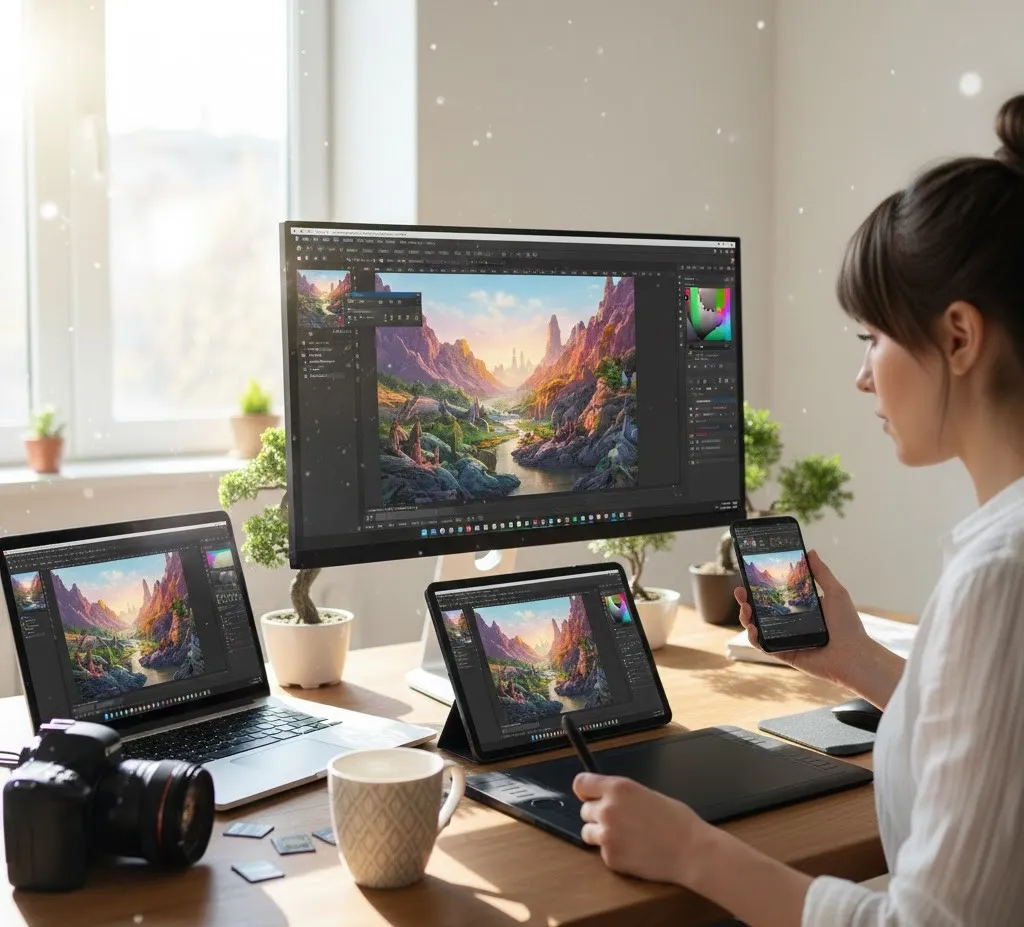
Your device’s storage space, memory, and operating system also matter. Heavy software may require more power, which older devices may not handle well. Some photo editing software offers lighter versions or cloud-based options that work better on low-spec devices. It’s also helpful to check if the software updates regularly to stay compatible with your system. When the software matches your device, editing becomes easier and more reliable.
Tips to check device compatibility:
- Choose lighter software for older devices
- Confirm it supports your operating system
- Check system requirements before installing
- See if there is a mobile or tablet version
- Test performance with a free trial
Compare Free and Paid Options
When choosing photo editing software, it’s useful to compare free and paid options to see what fits your needs best. Free software can be great for basic editing like cropping, adjusting colors, and adding simple filters. Many free tools are easy to use and good for beginners or casual users who don’t need advanced features. However, free versions may have limits, such as fewer tools, watermarks, or ads. Understanding these differences helps you decide if a free option is enough or if you need more powerful software. Paid photo editing software usually offers more features, better performance, and professional-level tools.
These tools can include advanced retouching, layers, masking, and high-quality export options. Some paid options also give access to customer support and regular updates. Before paying, think about how often you will use the software and if the extra tools are worth the cost. Comparing both helps you choose a tool that fits both your editing needs and your budget.
Tips for comparing free vs paid:
- Think about long-term use, not just short-term needs
- List the features you need most
- Try free versions first to see if they work for you
- Check if paid software offers a trial period
- Consider ongoing costs (monthly or yearly subscriptions)
Pay Attention to File Quality and Export Options
File quality and export options are important when choosing photo editing software, especially if you plan to share or print your photos. Good software should keep your images clear and sharp after editing. Some tools lower image quality when exporting, which can make photos look blurry or dull. Photo editing software should allow you to save images without losing important details. This is especially important for professional work or high-resolution images.
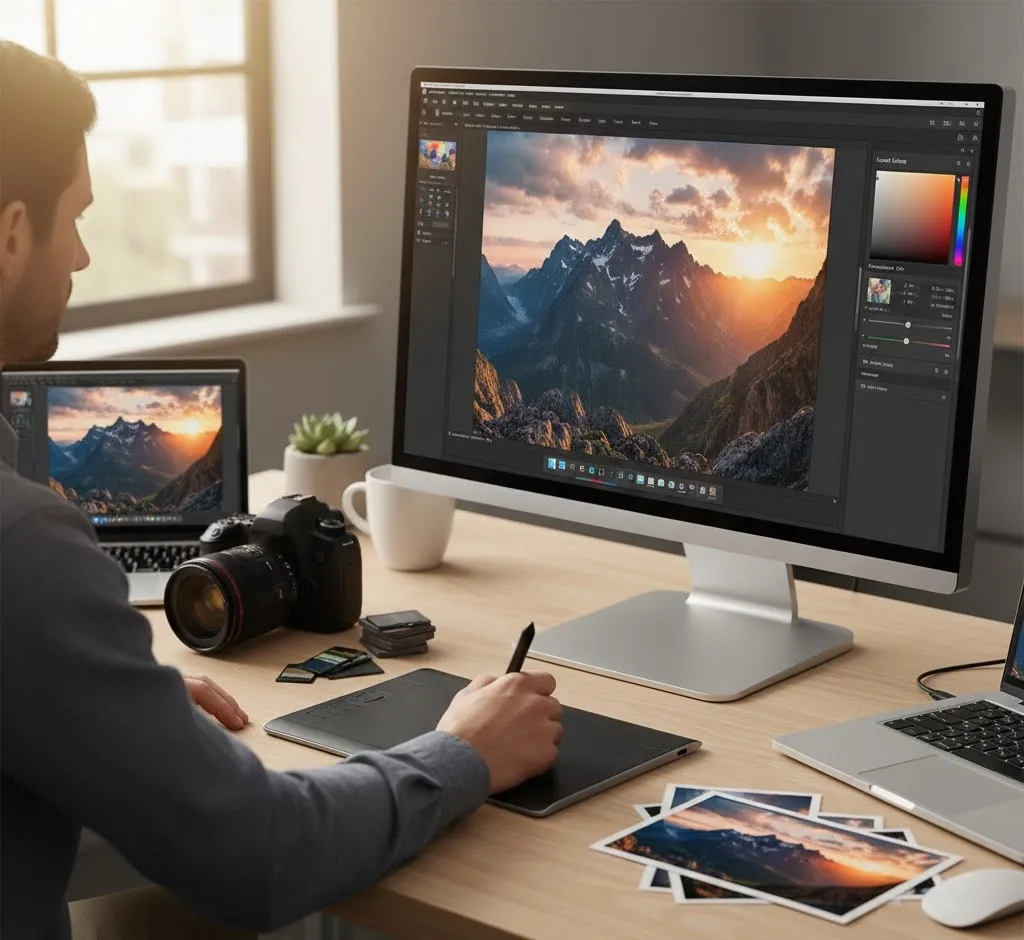
Export options also affect how and where you can use your photos. The software should support common file formats like JPEG, PNG, and TIFF. Some photo editing software lets you adjust file size, resolution, and quality based on your needs. This is helpful when uploading photos online or sending them to clients. When export options are flexible, your photos stay high quality in any situation.
Tips to check file quality and export options:
- Test export quality using a sample photo
- Make sure images stay clear after exporting
- Check supported file formats
- Look for resolution and quality controls
- See if it allows both web and print exports
Make Sure It Fits Your Budget
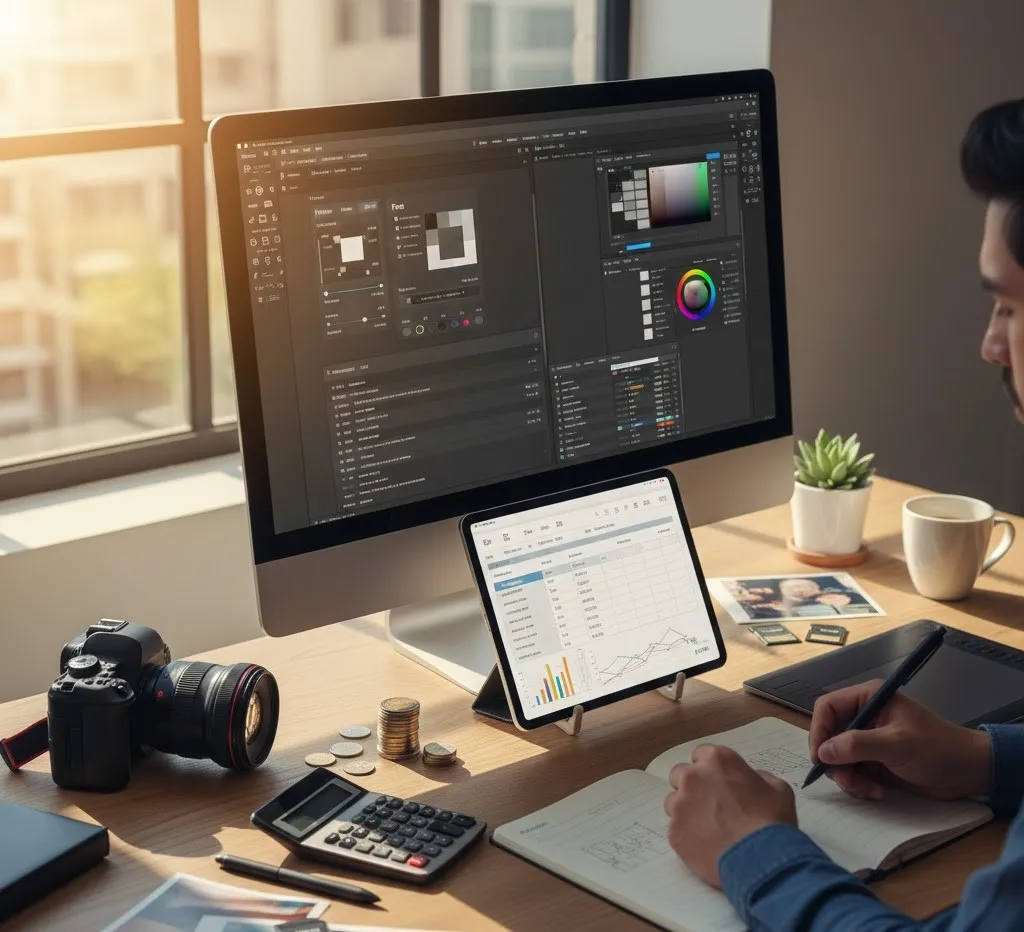
Budget is an important factor when choosing photo editing software. Some tools may look impressive but can be expensive, especially with monthly or yearly fees. Before deciding, think about how much you are willing to spend and how often you will use the software. Photo editing software should offer good value for its price, not just a long list of features. Choosing within your budget helps avoid unnecessary costs. There are many affordable and free options that still provide quality results. Paid software may offer advanced tools, better support, and regular updates, but that does not mean it is always the best choice for everyone. Some photo editing software also offers one-time payments instead of subscriptions, which can save money in the long run.
Comparing prices and features helps you make a smart decision. When the software fits your budget, you can edit with confidence and peace of mind.
Tips to manage your budget wisely:
- Avoid paying for tools you won’t use
- Decide your budget before comparing options
- Check if the price matches the features you need
- Look for free trials or demo versions
- Compare subscription plans and one-time payments
Read Reviews and User Feedback
Reading reviews and user feedback can help you make a smarter choice when selecting photo editing software. Reviews often share real experiences from people who have already used the tool. They can highlight common problems, useful features, and overall performance. Photo editing software may look good on the website, but user feedback shows how it works in real situations. This helps you avoid software that does not meet your expectations.
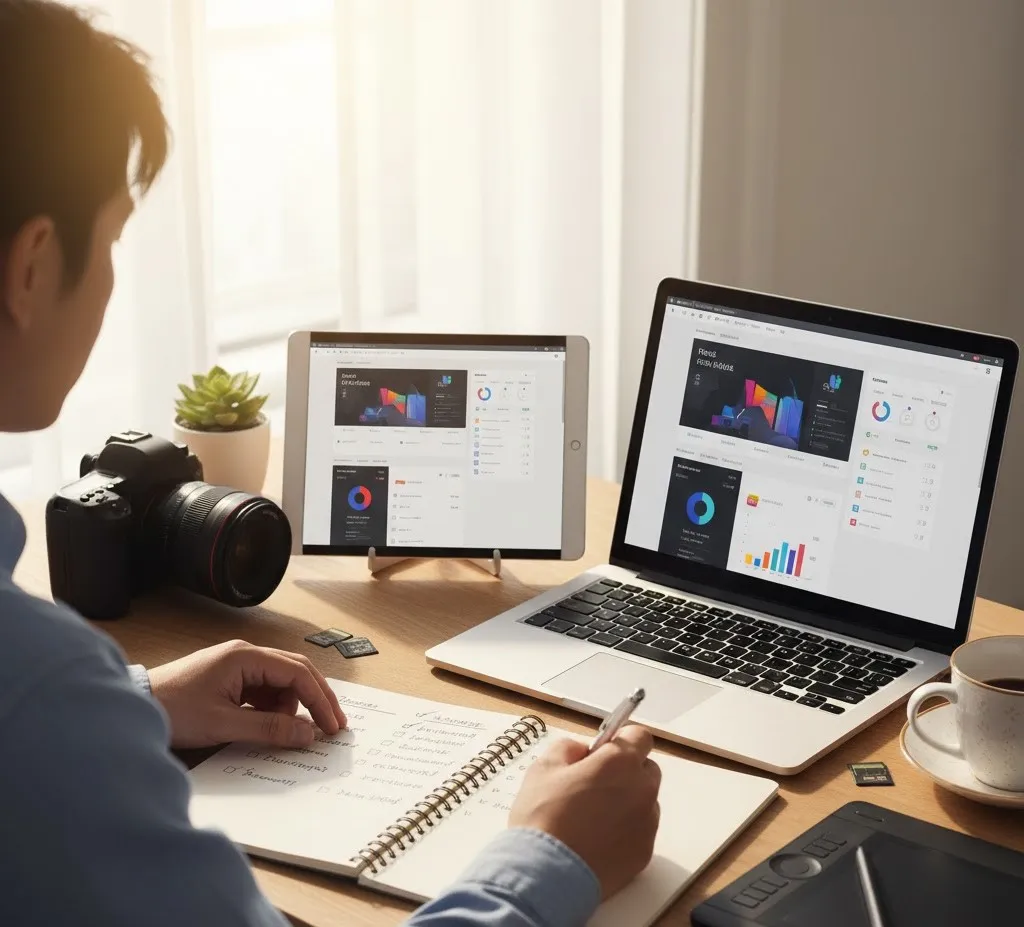
User comments also give insight into customer support, updates, and ease of use. If many users mention bugs or poor service, it may be a warning sign. On the other hand, positive feedback about reliability and helpful tools is a good sign. Look for reviews from users with similar needs or skill levels as yours. When you take time to read feedback, you feel more confident in your final choice.
Tips for using reviews wisely:
- Read both positive and negative reviews
- Look for repeated comments about the same issues
- Check reviews from users with similar goals
- Pay attention to updates and support feedback
- Avoid judging based on one review alone
Test the Photo Editing Software Before You Decide
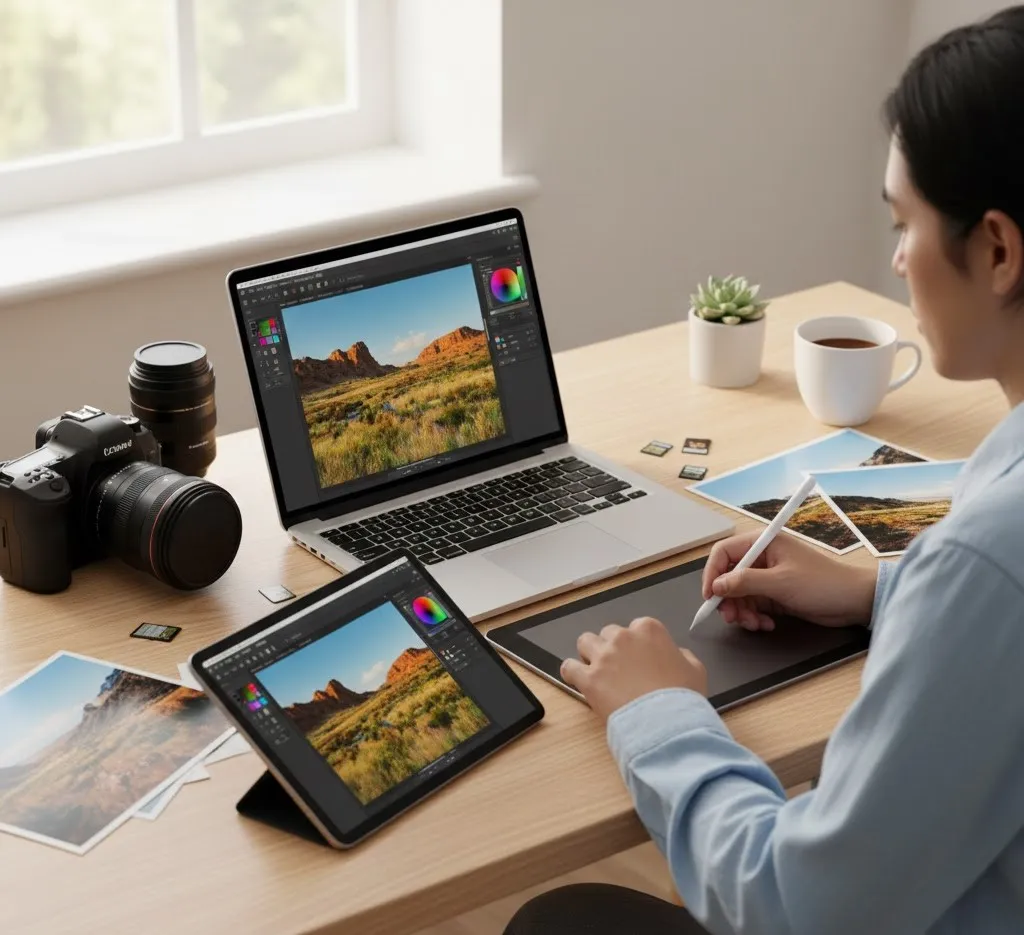
Testing the software before you decide is one of the best ways to know if it truly fits your needs. Most photo editing software offers a free trial or demo version that lets you explore its features without paying. This allows you to see how the tools work, how the interface feels, and if it runs smoothly on your device. Testing also helps you identify any limitations or issues before committing to a purchase. By trying it out, you can avoid choosing software that might not suit your workflow or skill level. During testing, pay attention to speed, ease of use, and available tools. Check if the editing process feels natural and if the software meets your editing goals.
Try exporting a sample photo to see how the file quality holds up. Testing gives you hands-on experience, helping you make a confident and informed choice.
Tips for testing photo editing software:
- Use the free trial or demo version if available
- Explore all the main tools and features
- Test editing on a few sample photos
- Check performance and speed on your device
- Export a photo to evaluate file quality and format options
Conclusion
Choosing the right photo editing software doesn’t have to feel overwhelming. By considering your needs, skill level, device compatibility, budget, and the tools available, you can find a program that truly fits your workflow. Testing software, reading reviews, and comparing free and paid options help you make a confident choice. Remember, the best software is the one that makes editing easier, faster, and more enjoyable for you. Now we want to hear from you, what features matter most when you edit your photos? Share your thoughts or experiences in the comments below and help others choose the right photo editing software too.
Read Next: Professional Model Photo Editing for Flawless and Amazing Images